
Free for 7 days, then one purchase
The trial takes no card and does not renew. One in-app purchase then unlocks ArtDeck for good, with no subscription and no ArtDeck account.
ArtDeck features
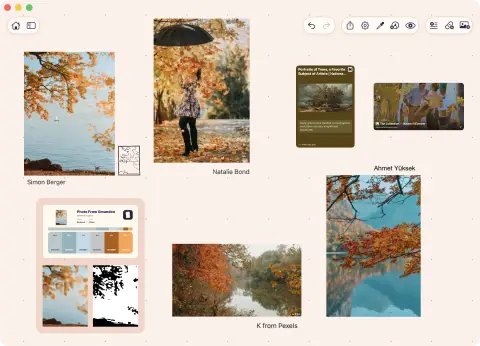
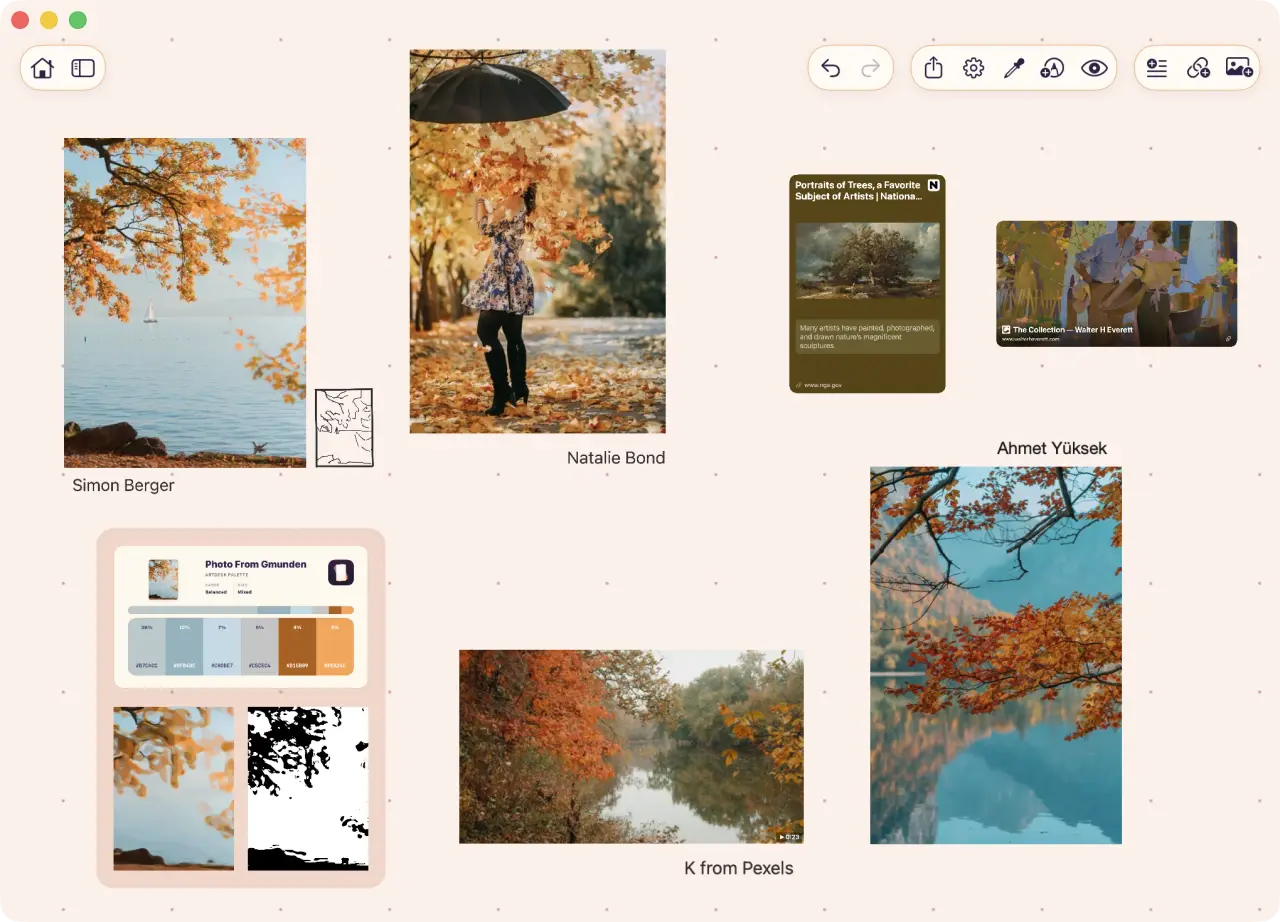
Keep images, video, GIFs, links, notes, PDFs, and drawings on an infinite canvas.
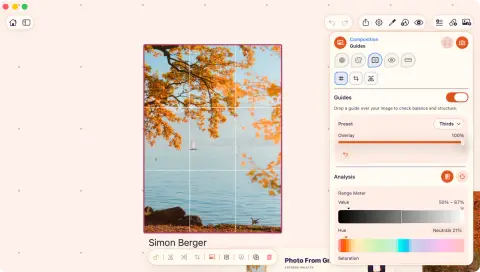
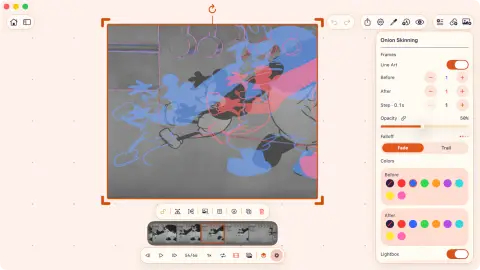
Open ToolBox over a source to inspect color, value, composition, readability, or proportion.
 opens in a new tab
 Free for 7 days, then one purchase. No card. No subscription.
Add a source on iPhone, open the board next to your drawing app on iPad, and arrange it on Mac.
Boards work offline; iCloud sync is optional for each board.
Yours to keep
Seven days free, then a single purchase. No subscription and no account.
Each board works offline, and you decide whether it syncs through iCloud.
The trial takes no card and does not renew. One in-app purchase then unlocks ArtDeck for good, with no subscription and no ArtDeck account.
Open, arrange, and study boards without a connection. Sync catches up when you are back online.
Keep every board in iCloud, or leave selected boards local with each board's own sync setting.
Built for iOS, iPadOS, and macOS. Use Split View and Stage Manager on iPad, or Keep on Top on Mac.