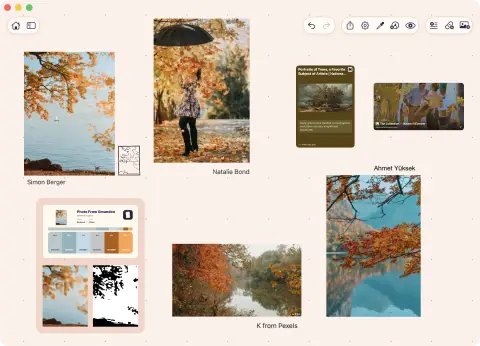
Values
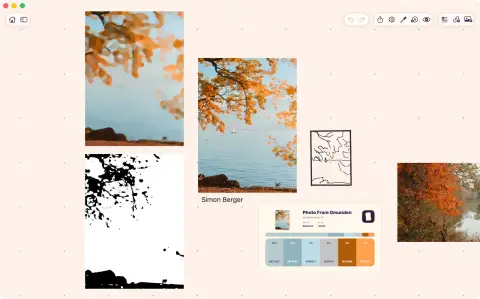
Turn the image to grayscale or a value ladder. Notan simplifies it to big shapes with two to five values. Drag each threshold to see how the lights and darks group.
Visual study tools for artists
Open the ToolBox panel over any image or video frame on your board to study it.
No round trip to another app or a palette website.
 opens in a new tab
 Free for 7 days, then one purchase. No card. No subscription.
The original is not modified. Each study is an overlay, and you can save snapshots next to the source.
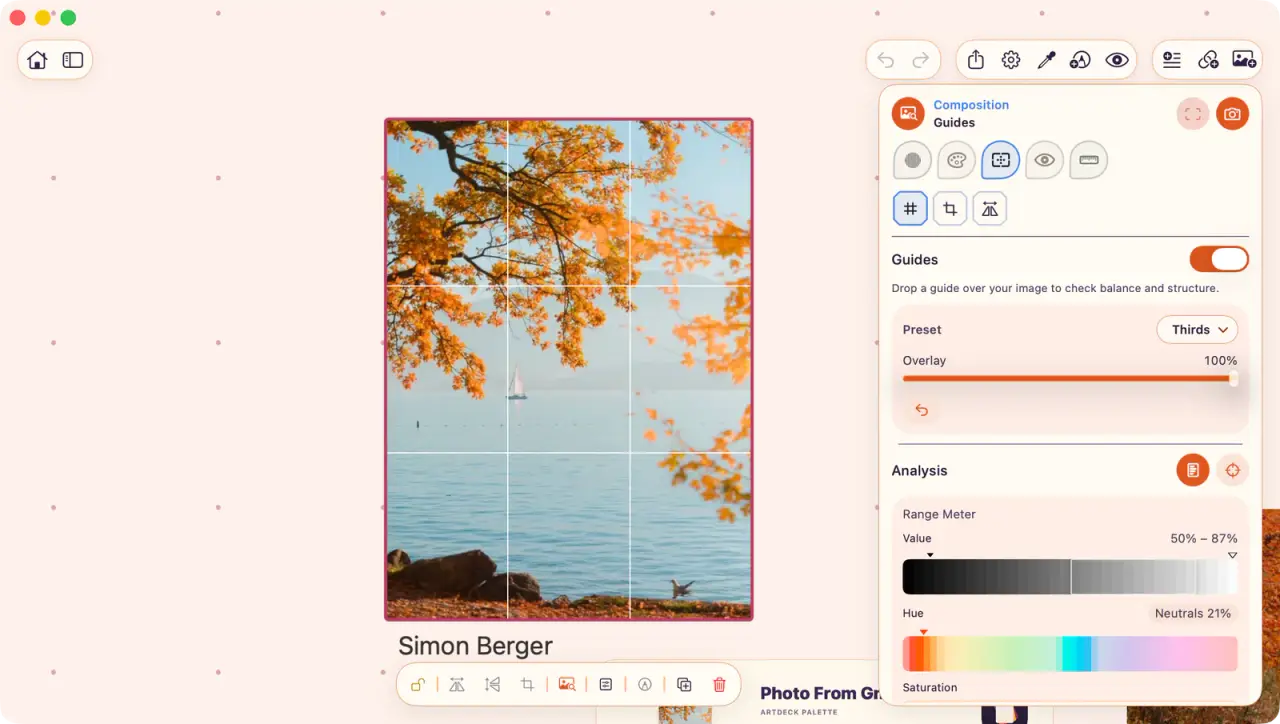
The Analysis section shows the value range with the histogram, and a color map, next to the current lens.
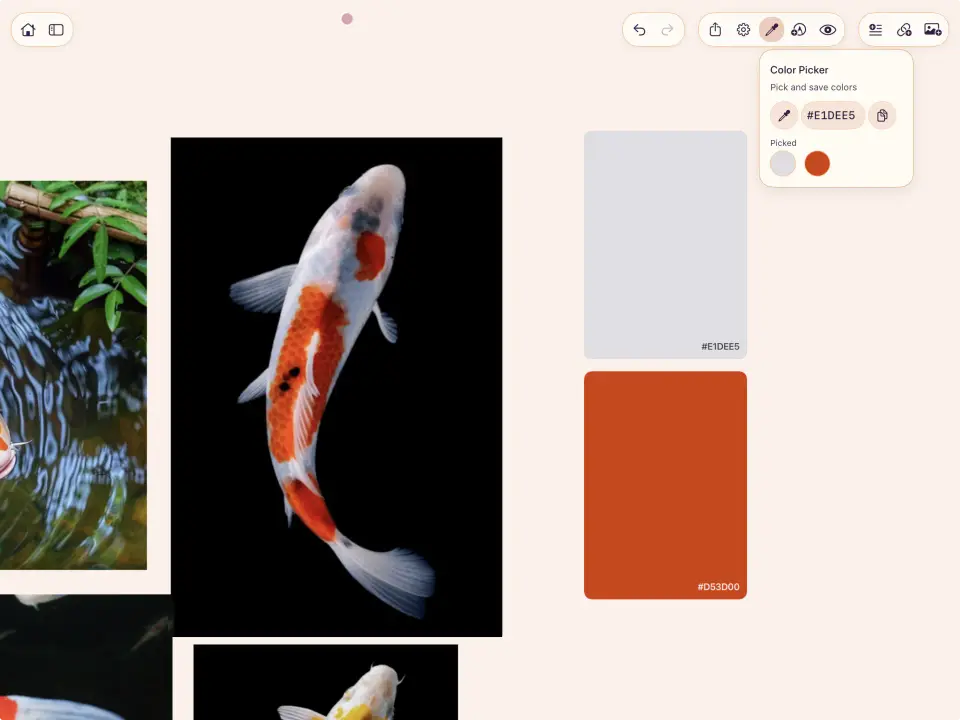
Color on the board
ToolBox lenses
Each lens holds several tools, and each tool has its own parameters.
ArtDeck remembers your settings on each board.
Turn the image to grayscale or a value ladder. Notan simplifies it to big shapes with two to five values. Drag each threshold to see how the lights and darks group.
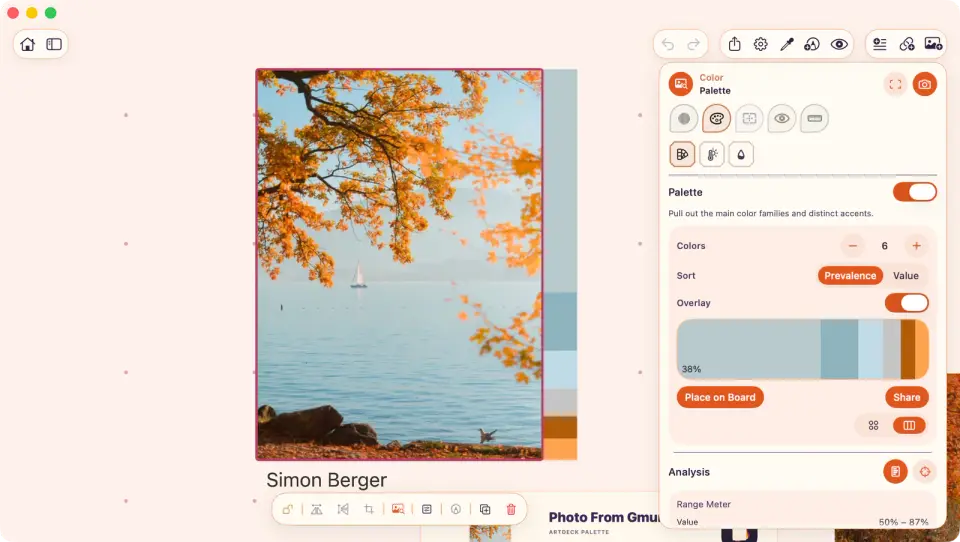
Pull a palette of three to seven colors from the reference. The temperature and saturation maps indicate where the warm and the saturated areas are.
Lay guides over the image, try a crop, and check how it would look with symmetry.
Squint blurs the details, while Shape Grouping simplifies the image into big shapes. Detail Density shows where the eye may spend more time. Edge Hierarchy shows only the major edges of the image.
Drop a plumb line, measure angles, or compare two lengths to get the ratio. Perspective places vanishing points and horizons.
Non-destructive studies
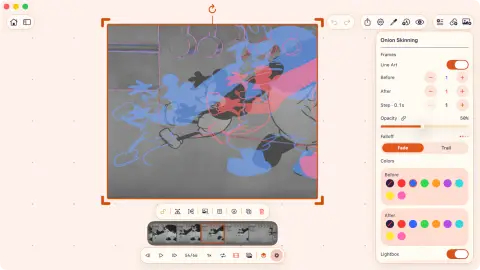
When a study is worth keeping, snapshot it on the board.
Select an image, a GIF, or a paused video, then press T or tap the ToolBox button.
Switch lenses and choose your tool. You can select a region to study only part of the image.
Snapshot it to the board or just come back to ToolBox when needed.