Motion study
Study animation and live-action footage, frame by frame.
Step through a video or GIF frame by frame, and use onion skinning to see the motion as color ghosts.
It complements scrubbing a video back and forth to understand the motion.
You can save images in a hundred places.
ArtDeck keeps them on a reference board with your links, notes, and videos, and gives you the tools to study them right there.
Free for 7 days, then one purchase. No card, and nothing renews. On iPhone, iPad, and Mac.
Scan with your iPhone or iPad.
Reference boards for artists
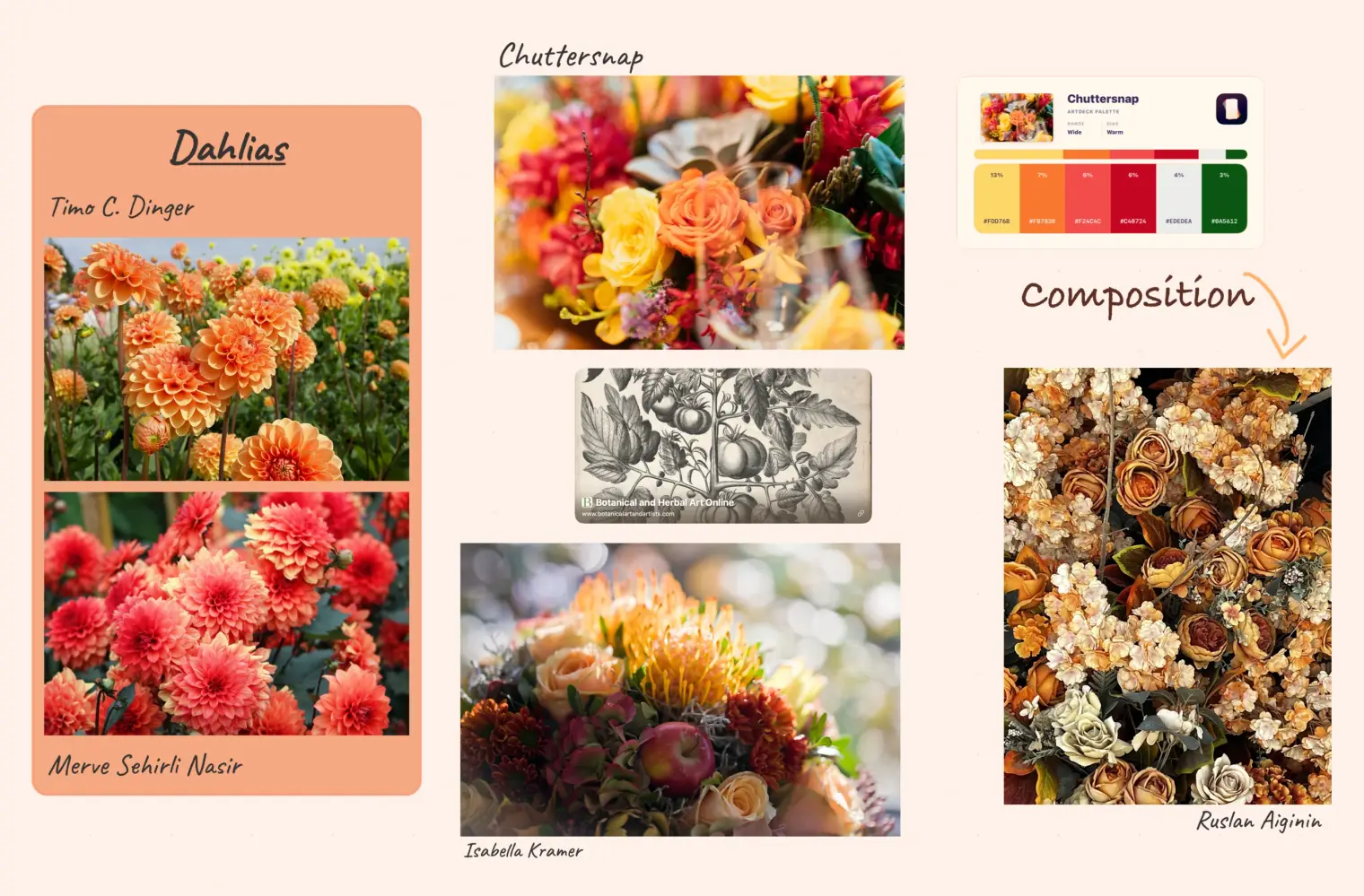
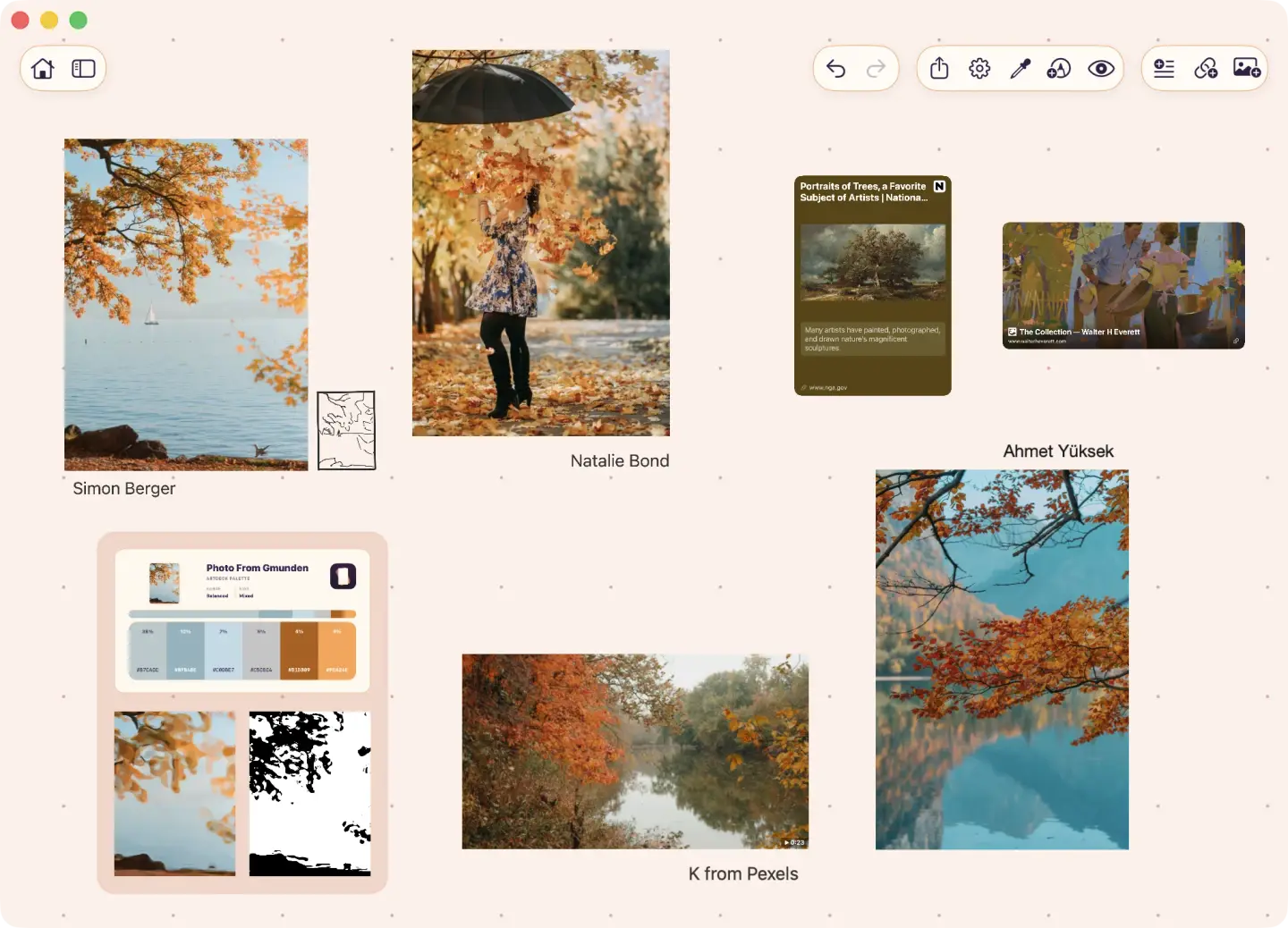
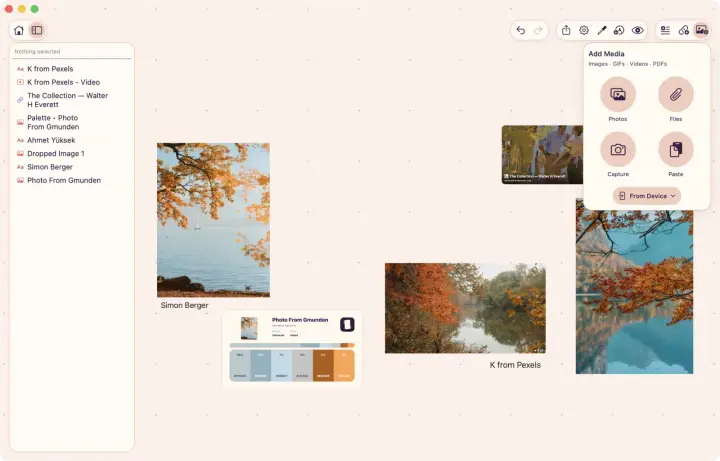
Images, videos, links, notes, PDFs, and GIFs live in your boards, arranged the way you need. Art reference board, moodboard, call it what you want.
Your links turn into cards with a preview, so an artist's portfolio or a museum page is directly accessible next to the references.
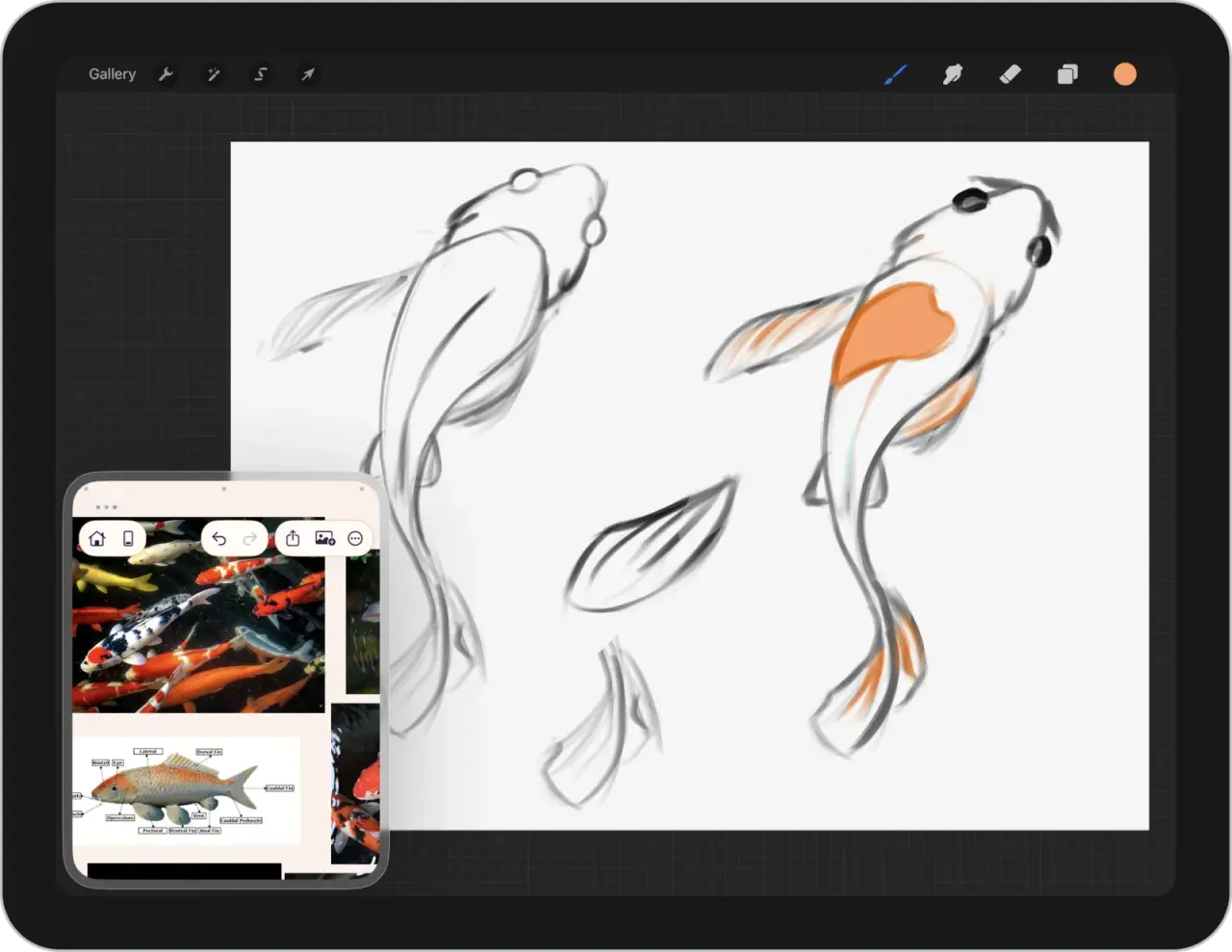
Next to your drawing app
On a Mac, ArtDeck can stay on top or just be next to Photoshop, Blender, or whatever you draw or design with.
On iPad, it opens next to Procreate or can float over it. Slide it out of the way when you need the whole canvas.
Go over your references or zoom in without leaving your drawing.
In your browser
Try two of ArtDeck's study tools. You can pick your own image.
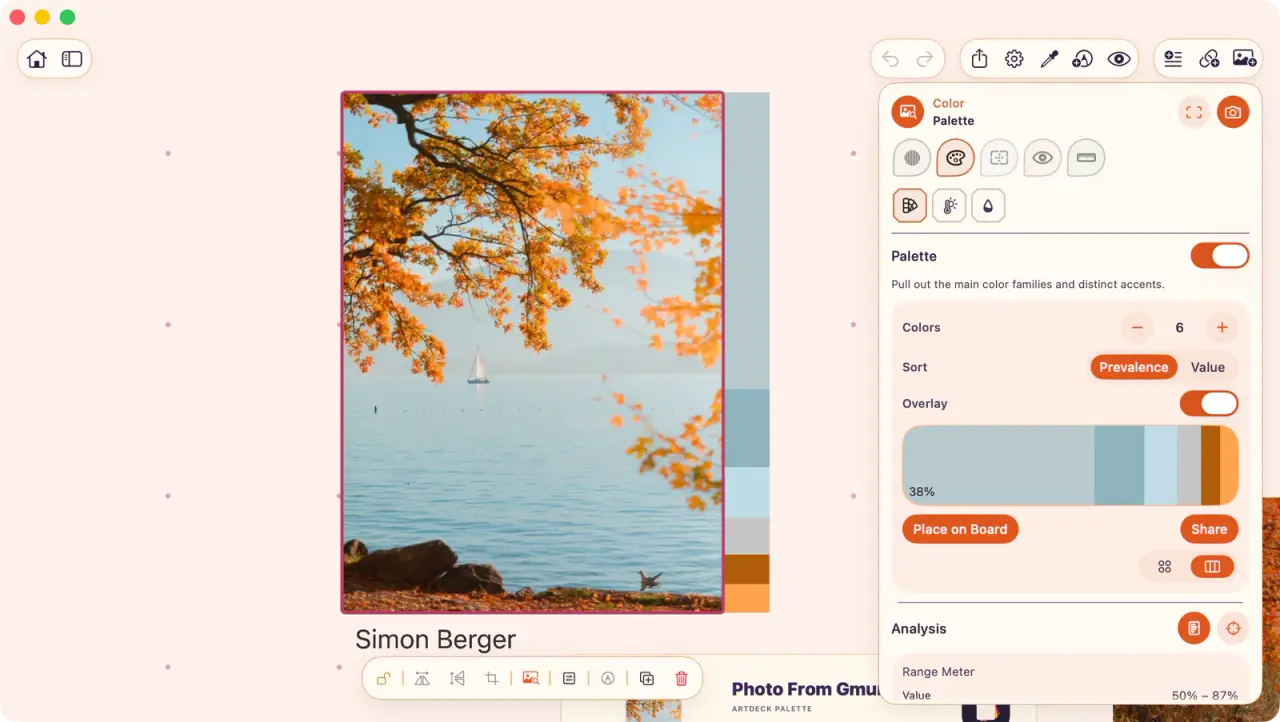
Palette picks out the main colors and tells you how much of the image each one covers.
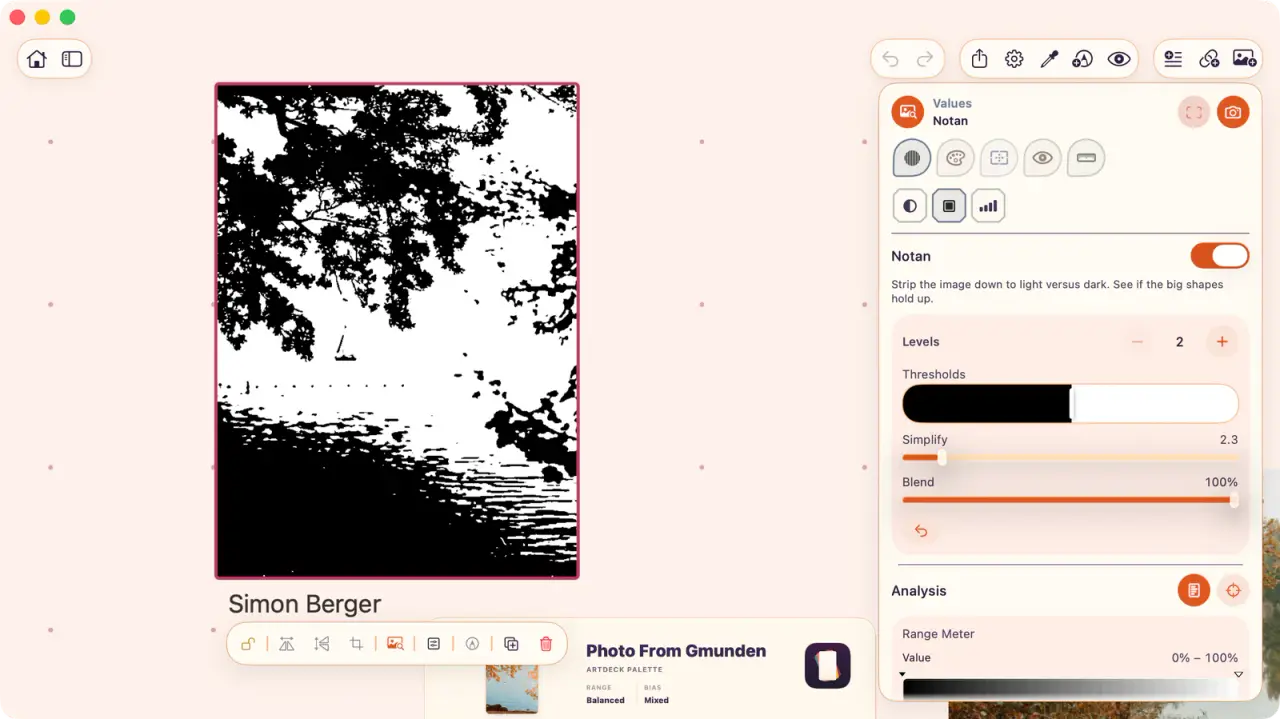
Notan simplifies the image down to two values, so you can check the big shapes before checking the details.
Palette

Notan
 opens in a new tab
 Free for 7 days, then one purchase.
Built-in tools
Squinting at a painting from far away works, but you can't save it.
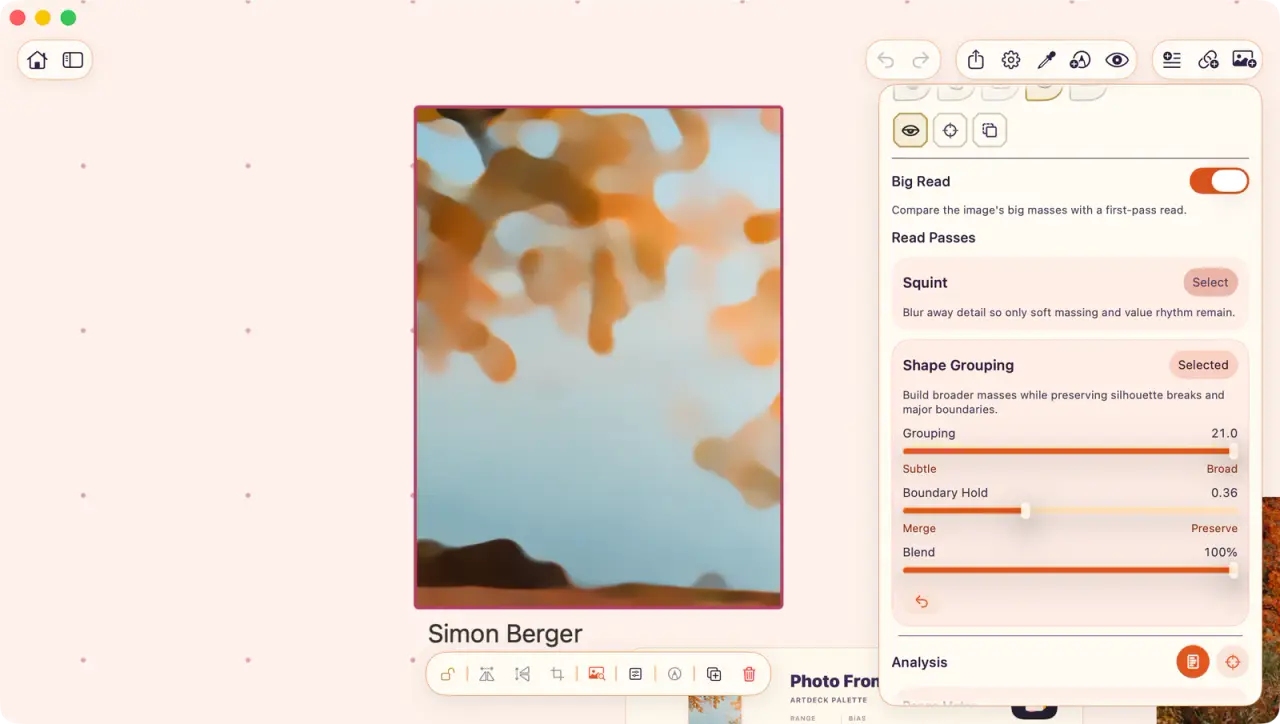
In ArtDeck, you can squint but also simplify shapes without the blur.
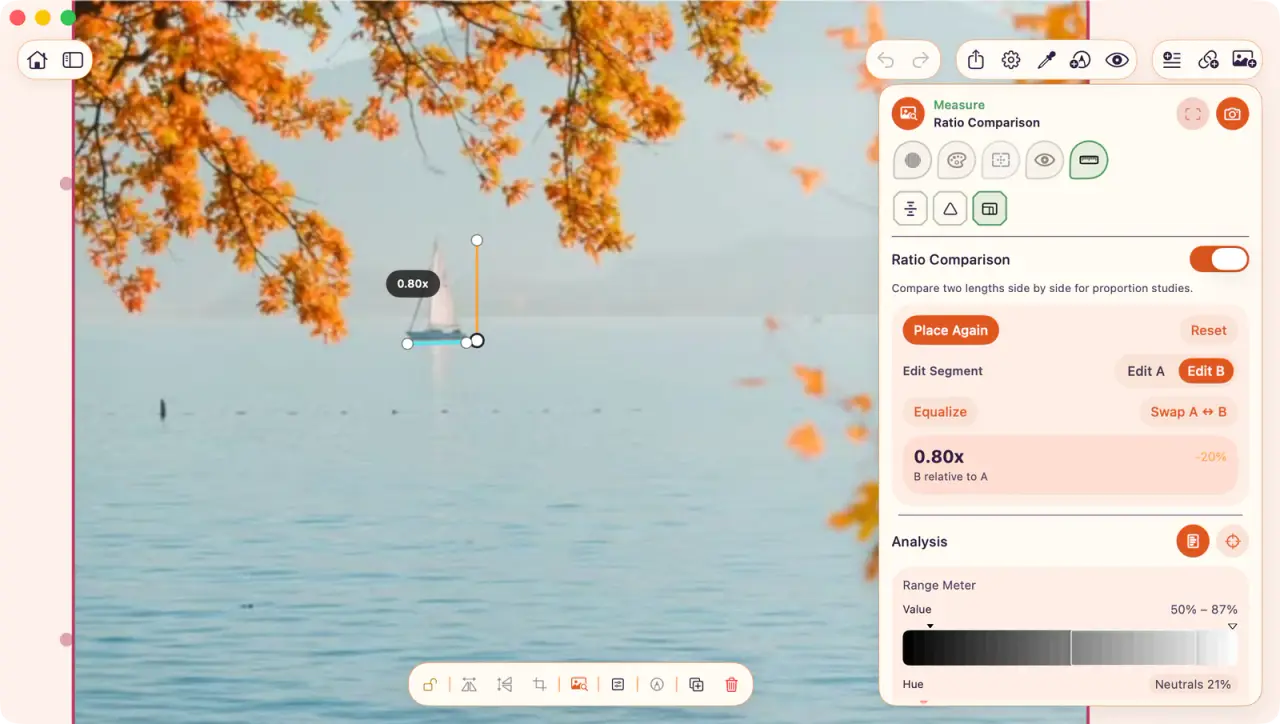
Open the ToolBox panel over an image or video frame. Study it and save the results on the board.
Motion study
Step through a video or GIF frame by frame, and use onion skinning to see the motion as color ghosts.
It complements scrubbing a video back and forth to understand the motion.
iPhone · iPad · Mac
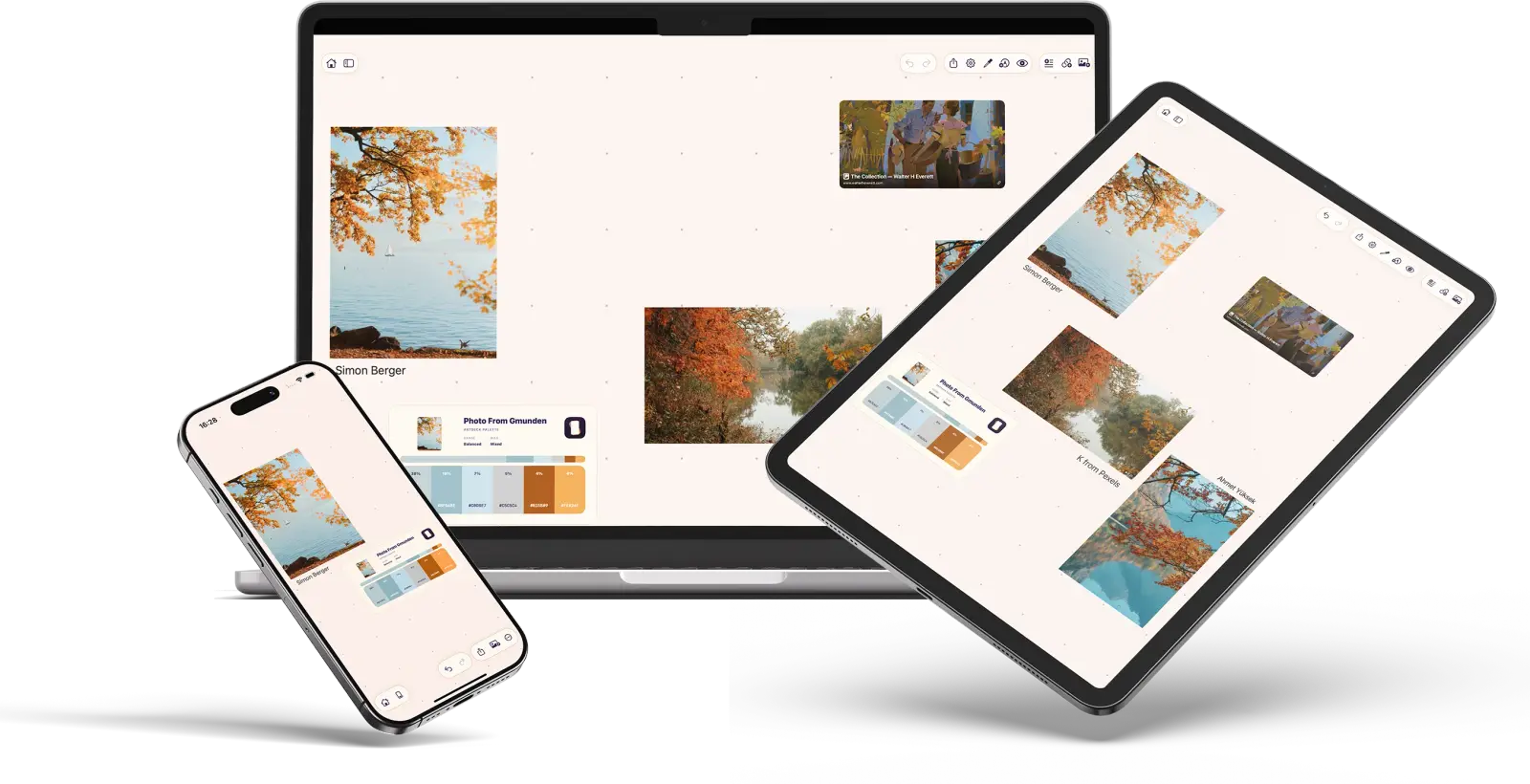
Save a photo on a walk, or a link while you are browsing, and both are waiting on all your devices when you need them.
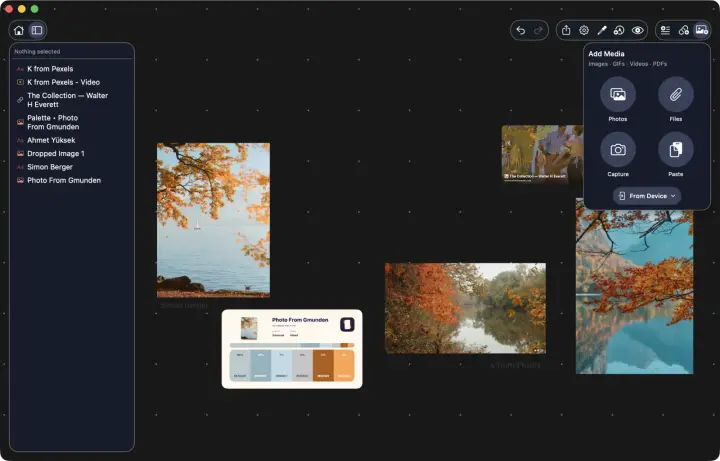
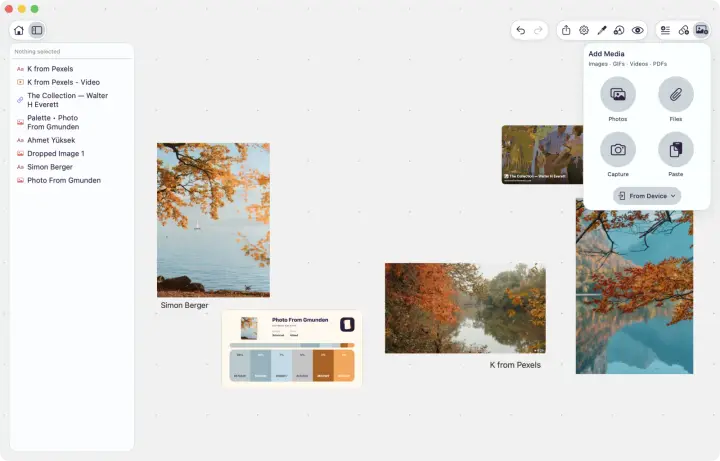
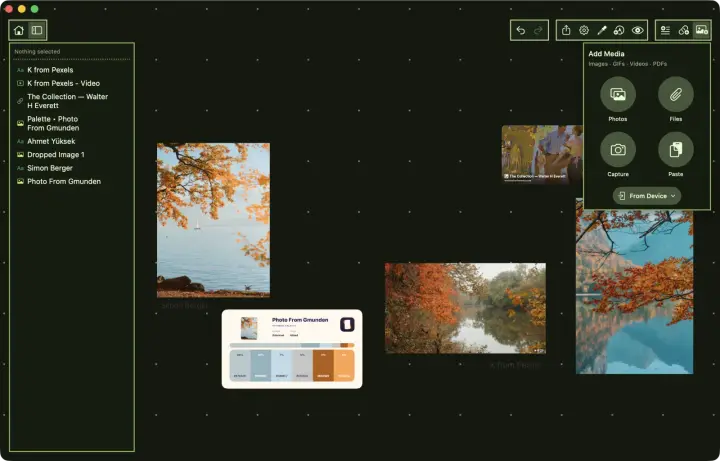
Theme editor
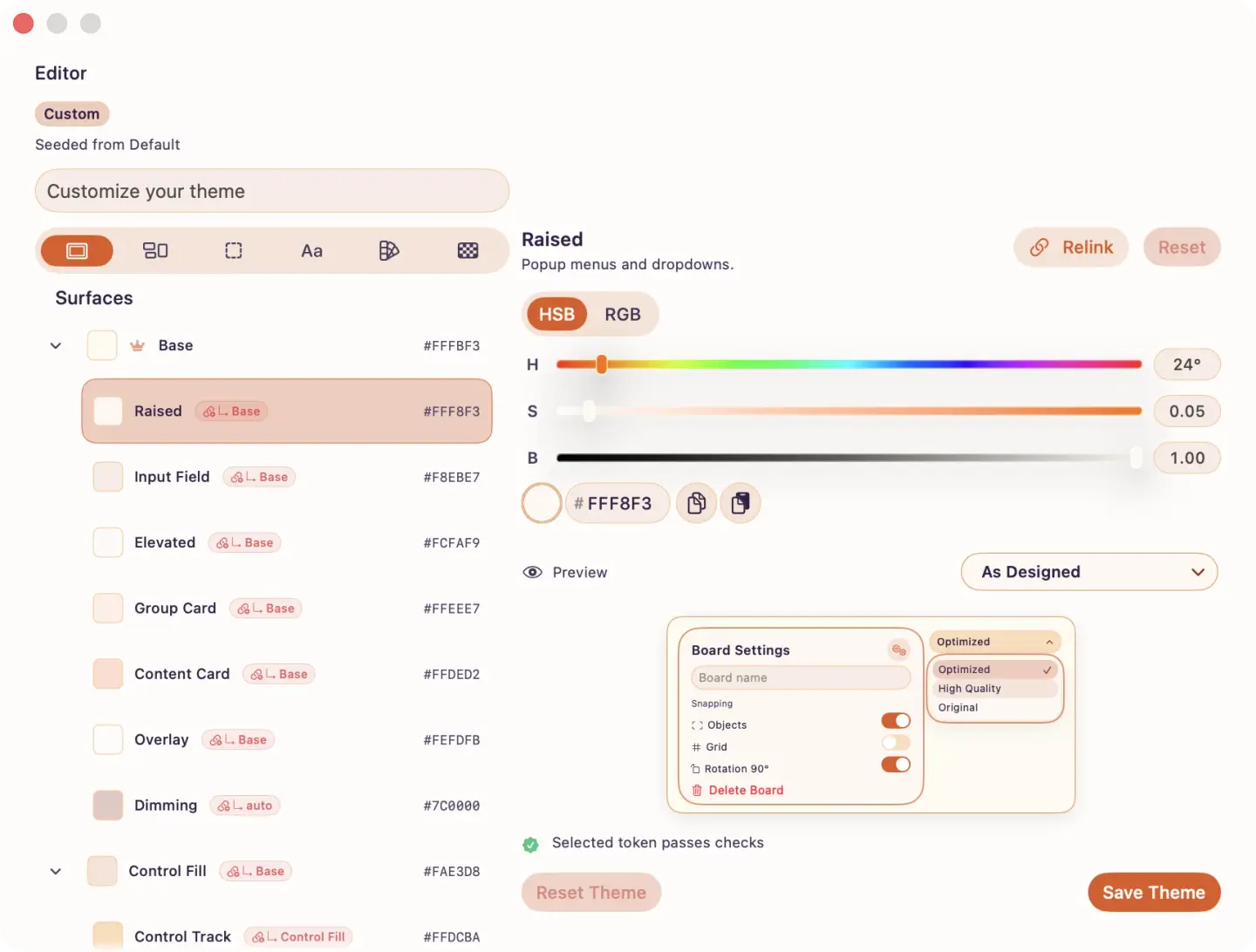
Some references look better on a dark board, and others on a light one.
Set a theme for the whole app. You can also give any board its own look, and edit every color in it.
Try it first
ArtDeck asks you to buy it. If you don't, it's not deleted, and you can just export your boards as images.
No. The trial doesn't need a card, and it won't turn into a payment. Nothing to remember to cancel!
Not now, not ever. One purchase unlocks ArtDeck and that's it. Since your boards sync through iCloud, there's no server I need to charge for.
Everything on this page: boards, ToolBox, onion skinning, link previews, themes, and exports. All of it is available on iPhone, iPad, and Mac. The trial has all of it, and so does the purchase.
No. There is no account, no password to forget, and no spam to receive. The App Store keeps your purchase, and Family Sharing works if it's available.
Only if you want to sync between devices. Without it, your boards stay on the device only, and everything else works the same.