

Articles
My workflows for collecting and studying references.
I try to cite the sources and give the other apps their due.
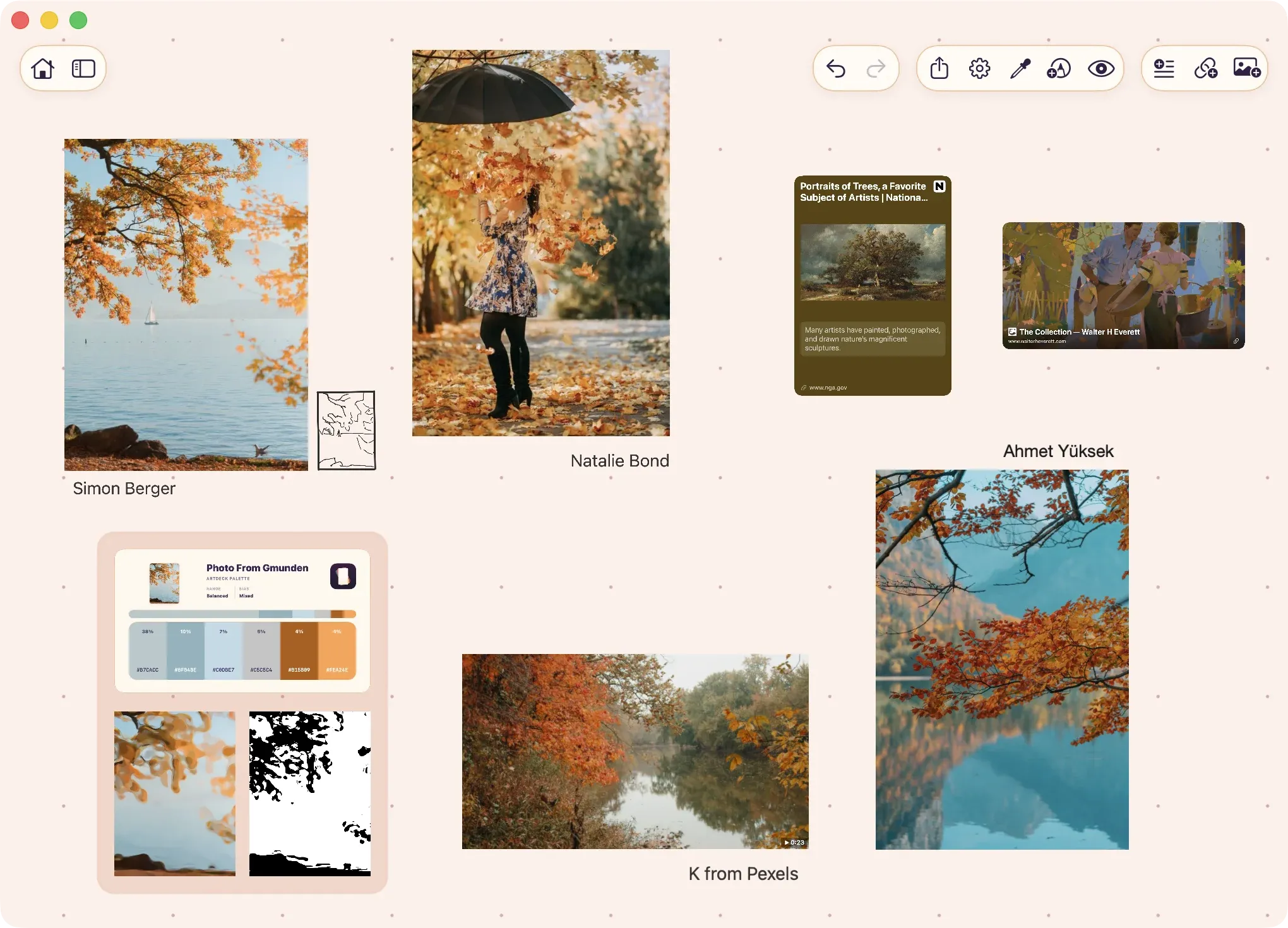
Reference board apps for artists, compared by workflow
Compare nine tools for keeping a project together, studying its references, managing a desktop asset library, or moving between devices.-
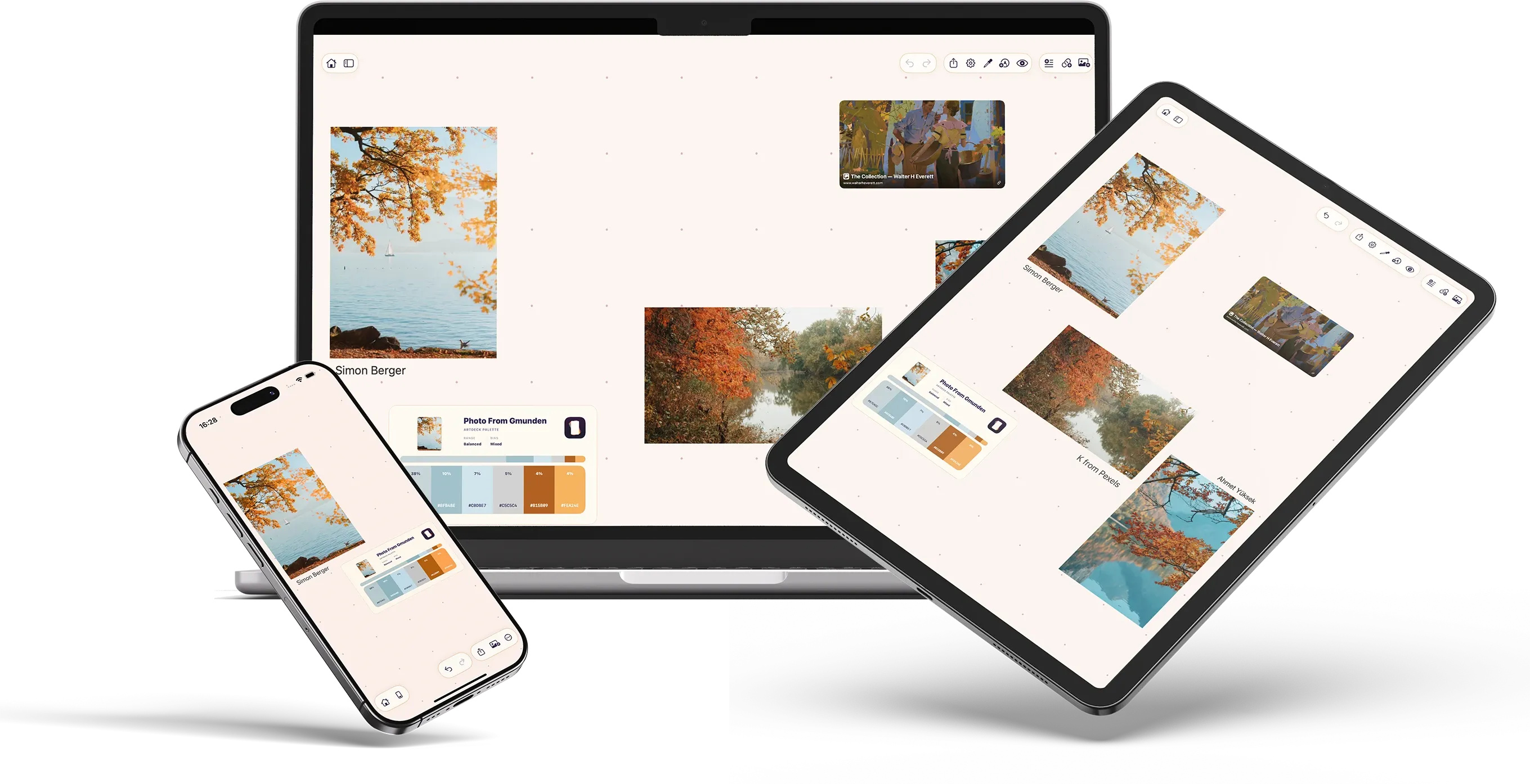
ArtDeck and PureRef, compared for iPad and Mac
PureRef is desktop only. How an existing board moves to ArtDeck on iPad and Mac, what video and the study tools add, and where PureRef's window modes still do more. -
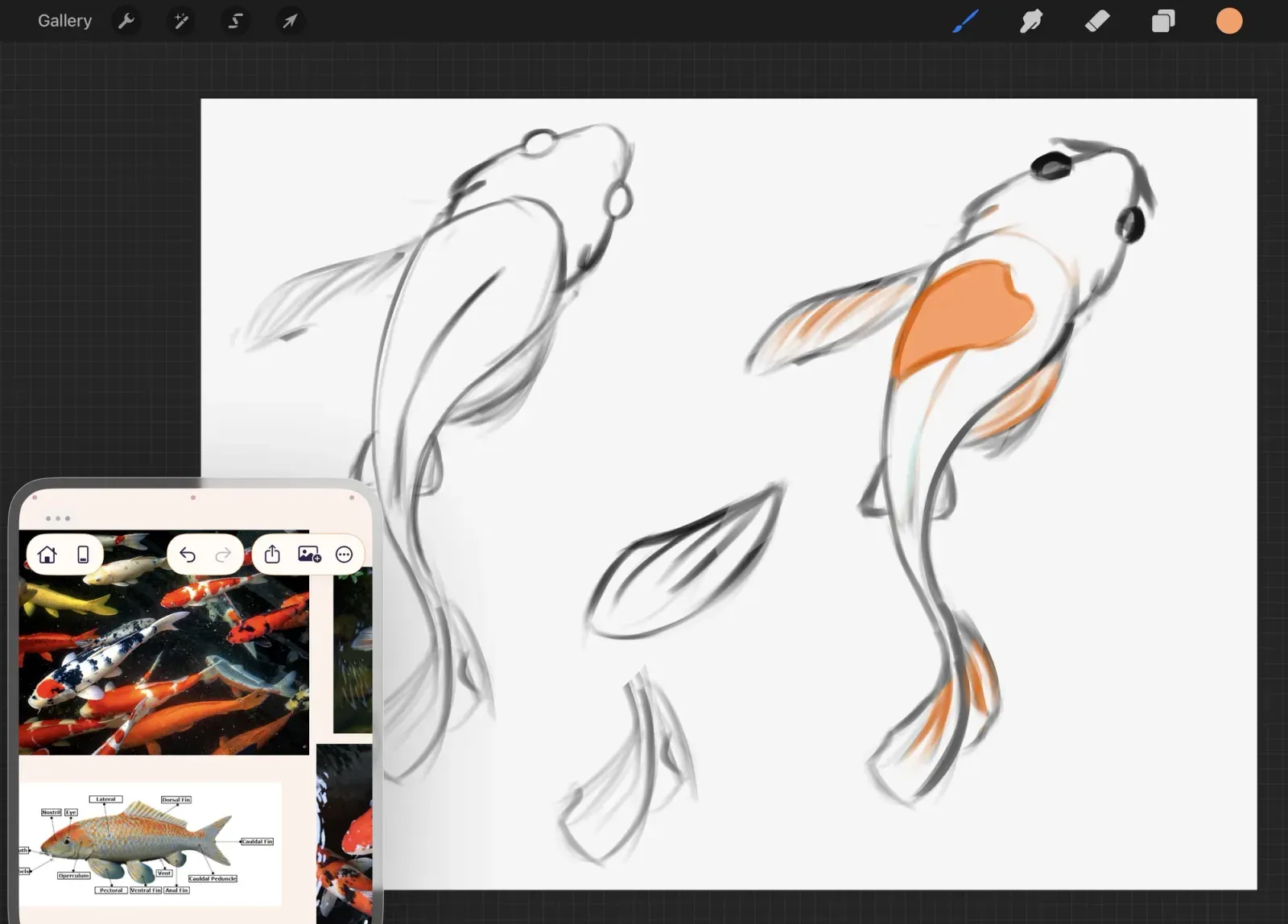
Keep multiple references next to Procreate
Put several references on an ArtDeck board next to Procreate, and open the study tools when you want a closer look. -
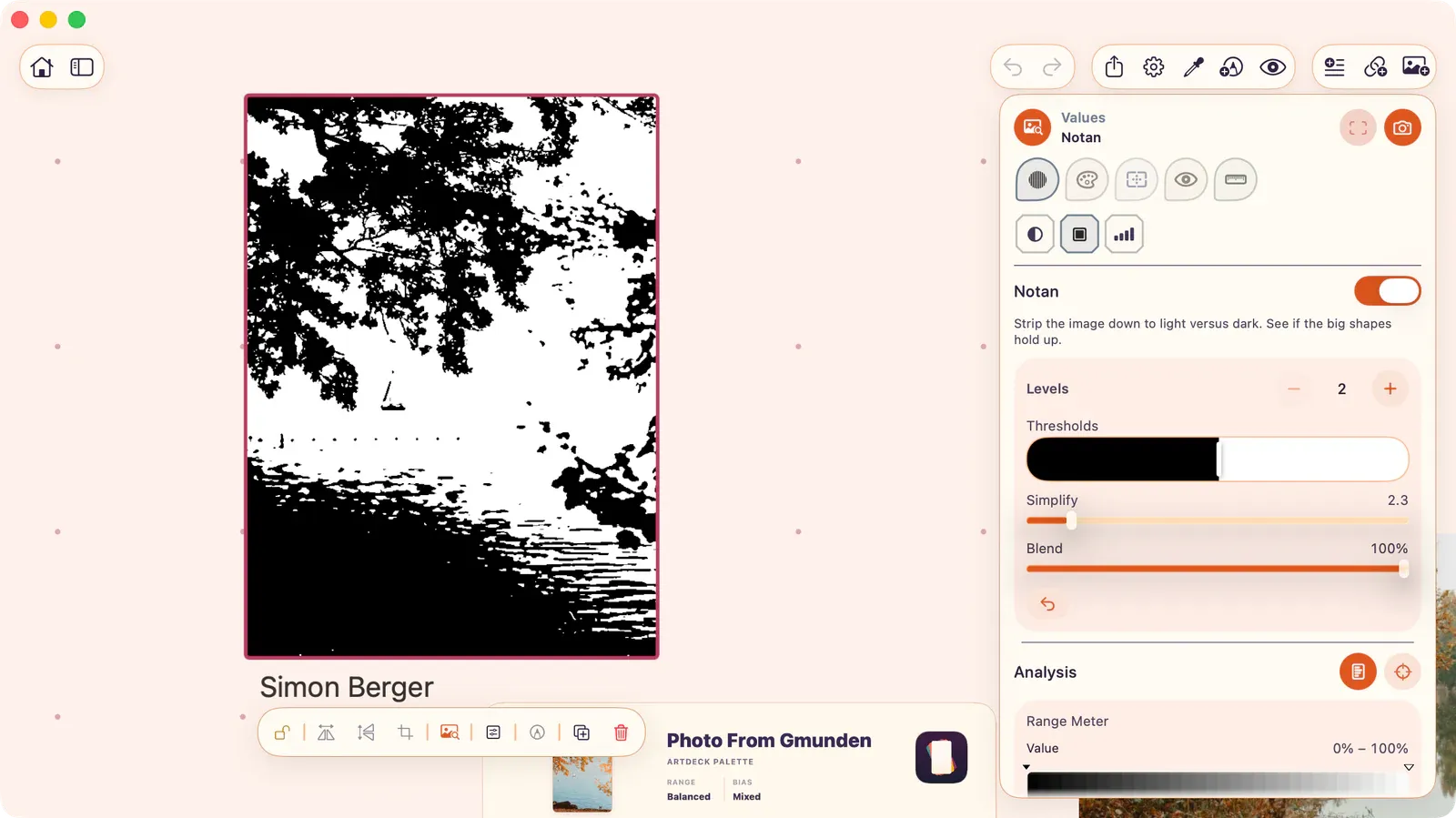
ArtDeck and VizRef, compared for iPad
Both put a reference board next to Procreate on iPad. ArtDeck adds video, PDFs, links, study tools, and the same board on iPhone and Mac. -
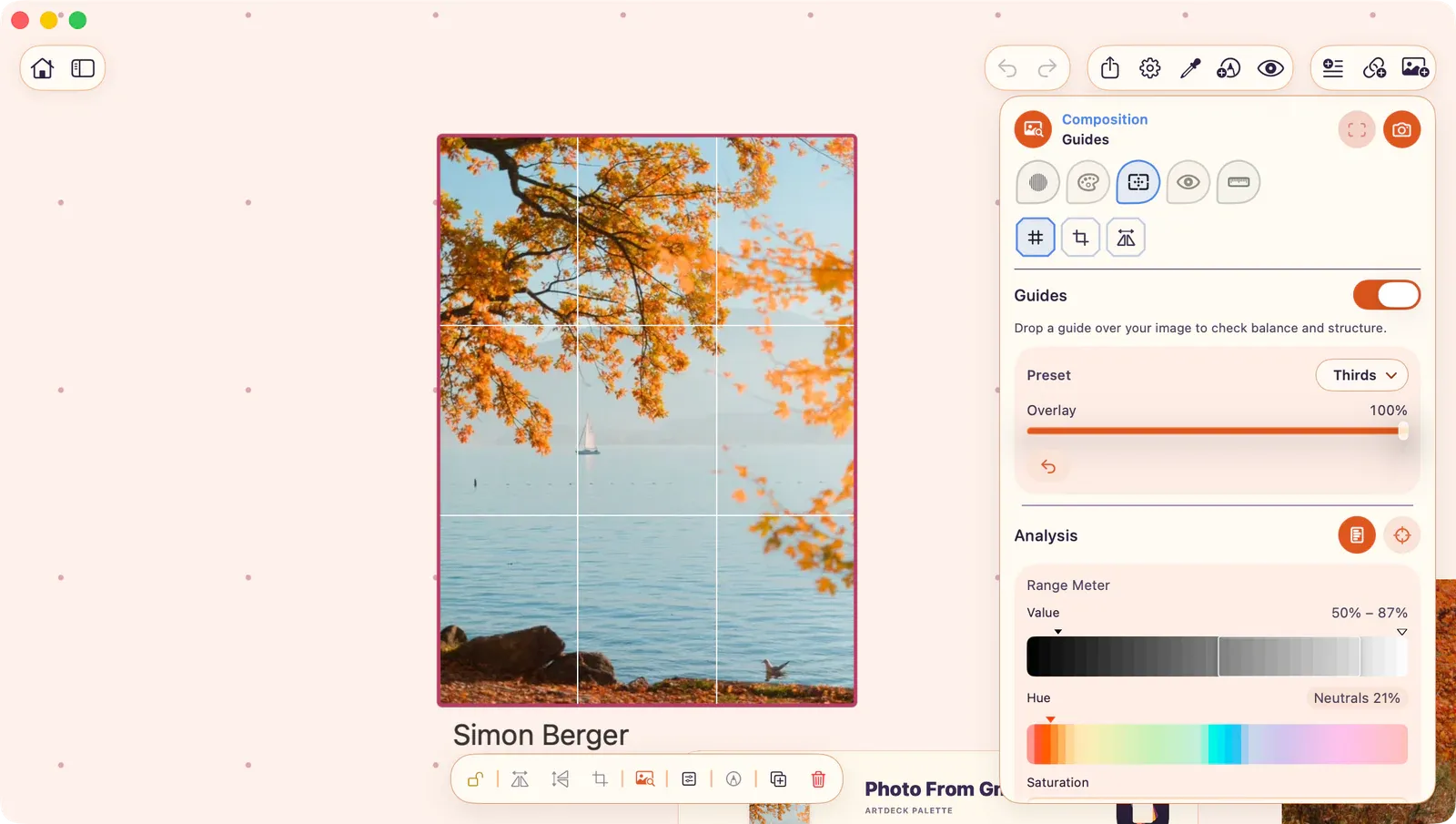
Apple Freeform vs ArtDeck for reference boards
Freeform is free and made for editing with other people. ArtDeck is for your own reference board, with sync set per board and tools for value, color, composition, and motion. -
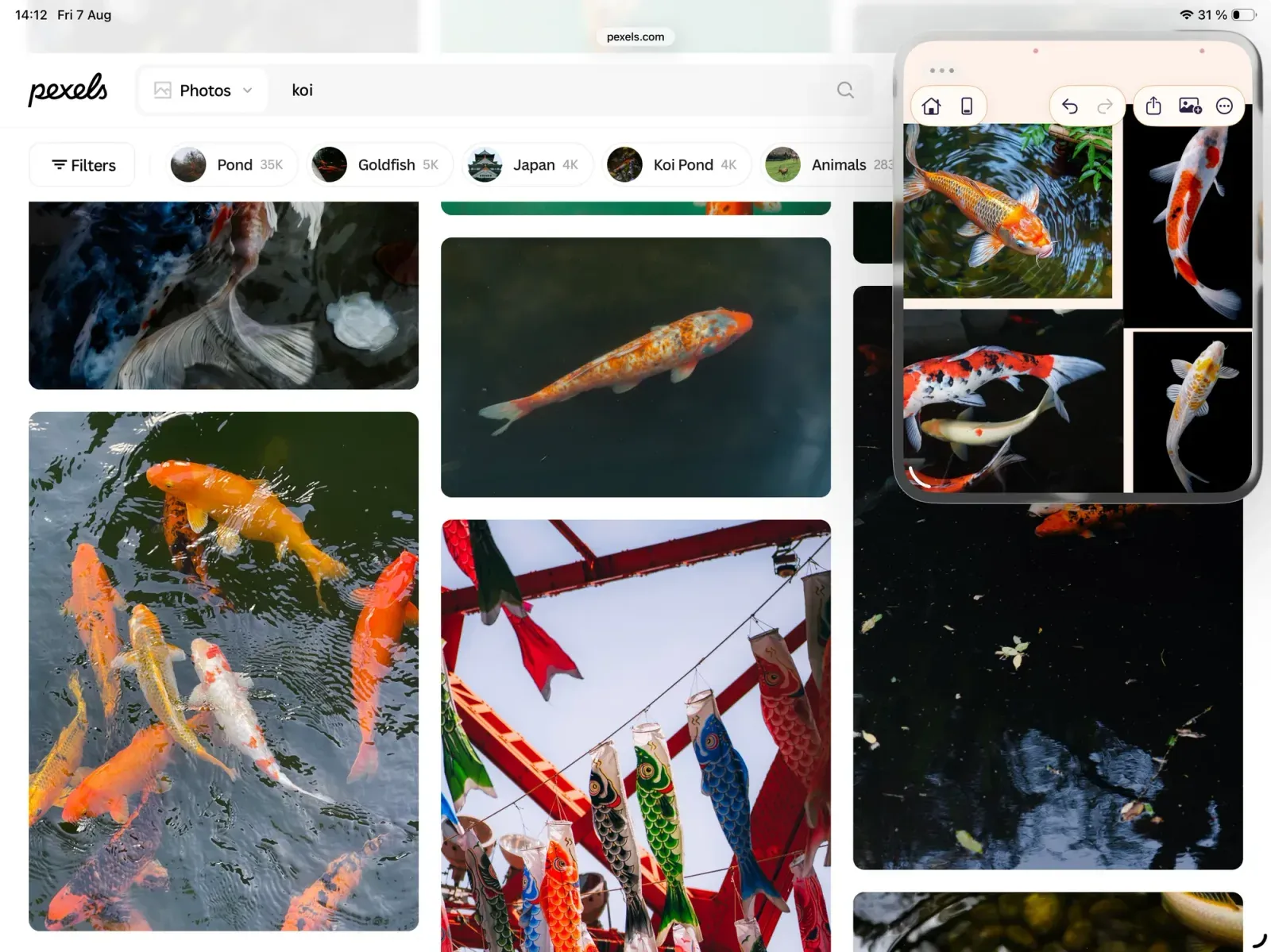
Build a reference board without leaving the drawing
Keep your references next to an iPad drawing or animation app, with setup notes for Procreate, Clip Studio Paint, Fresco, Procreate Dreams, and ToonSquid. -
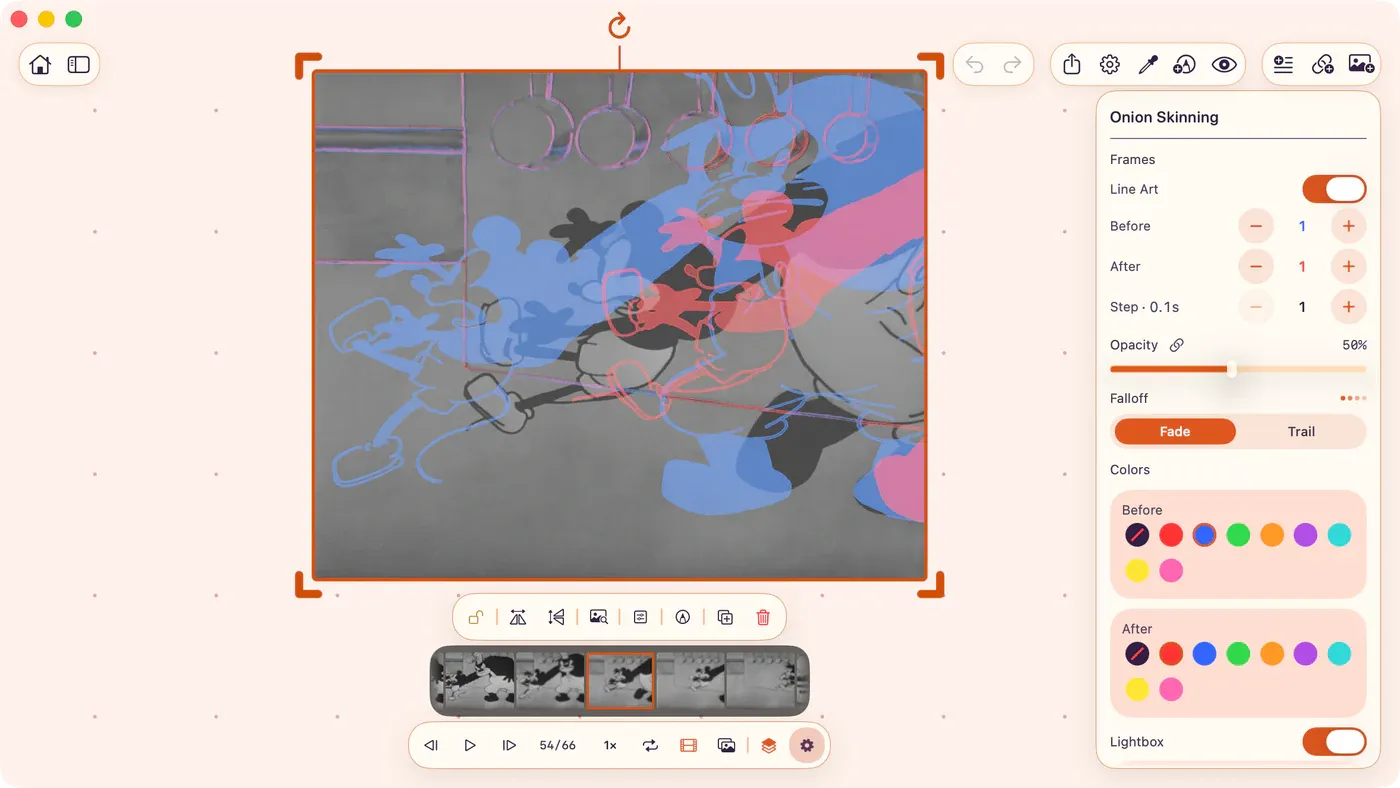
Read timing and spacing from video reference
Slow a clip down, count the frames between key poses, and read spacing with onion skinning before you animate. -
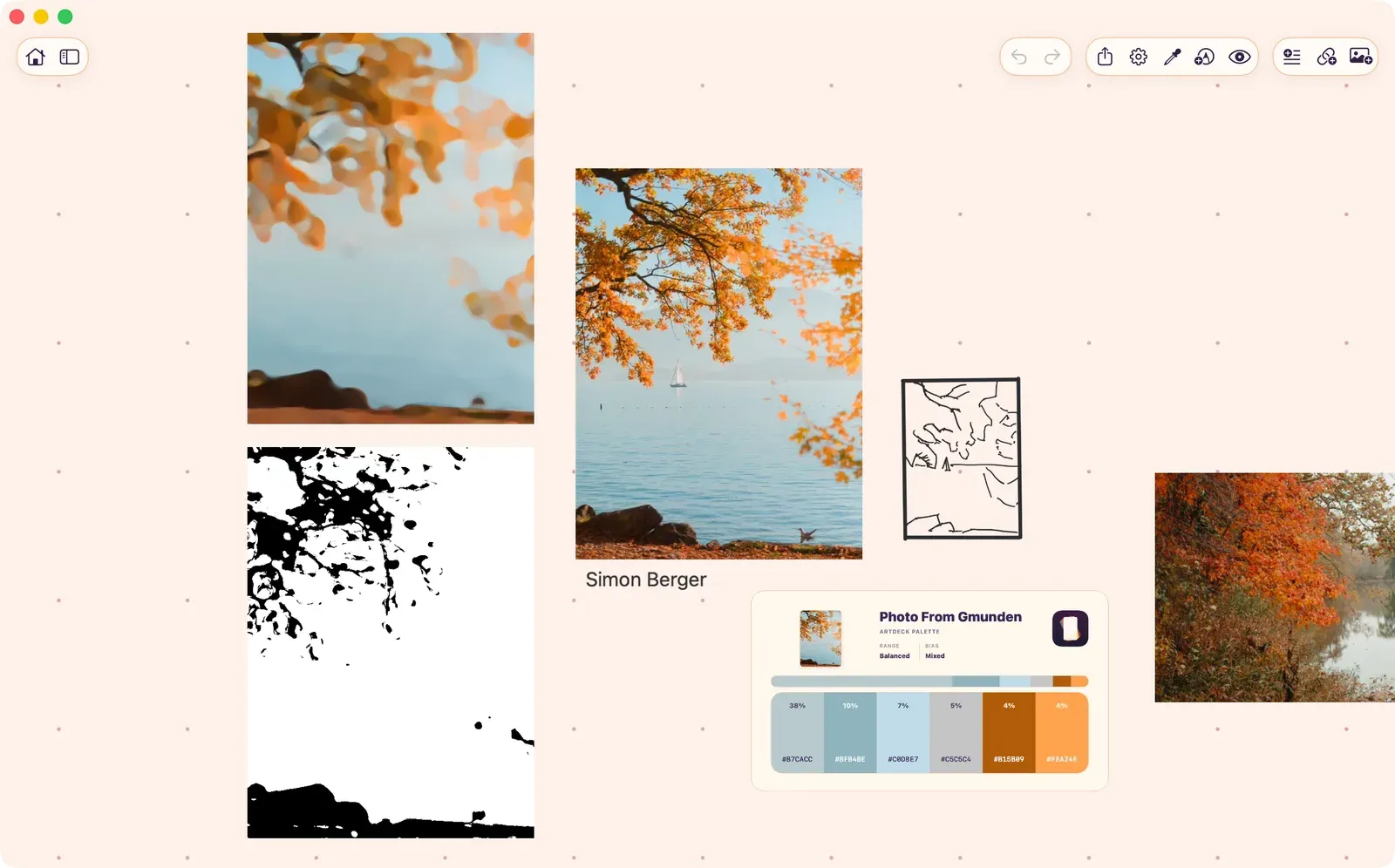
Study a reference without copying it
Pick one thing to learn from a reference and draw it by eye before you check it. Then hide the source and draw it again from memory. -
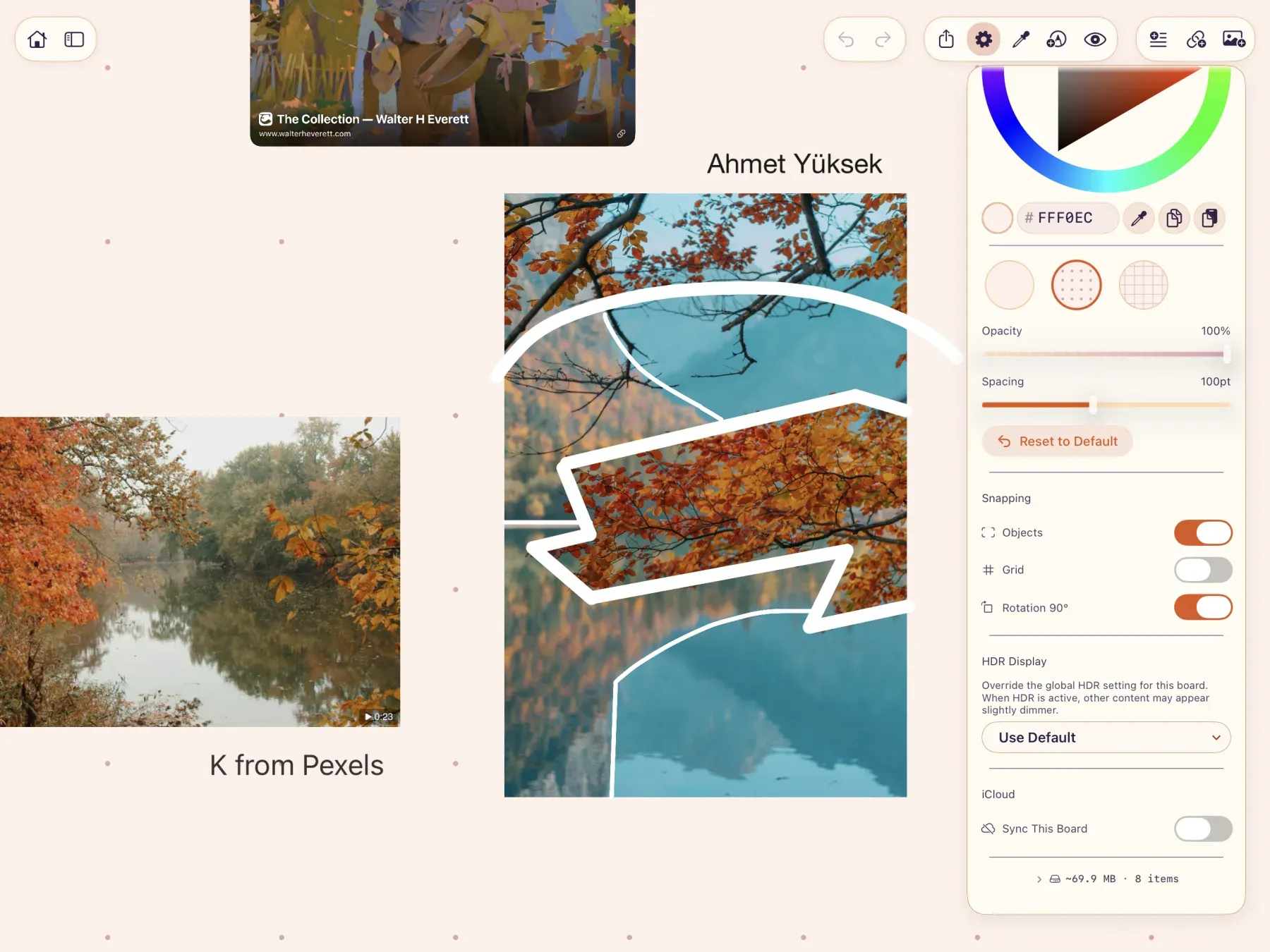
Keep large reference boards in local iPad storage
Keep an ArtDeck board editable on one iPad, then remove ArtDeck's cloud data only after every local copy and original file is checked. -
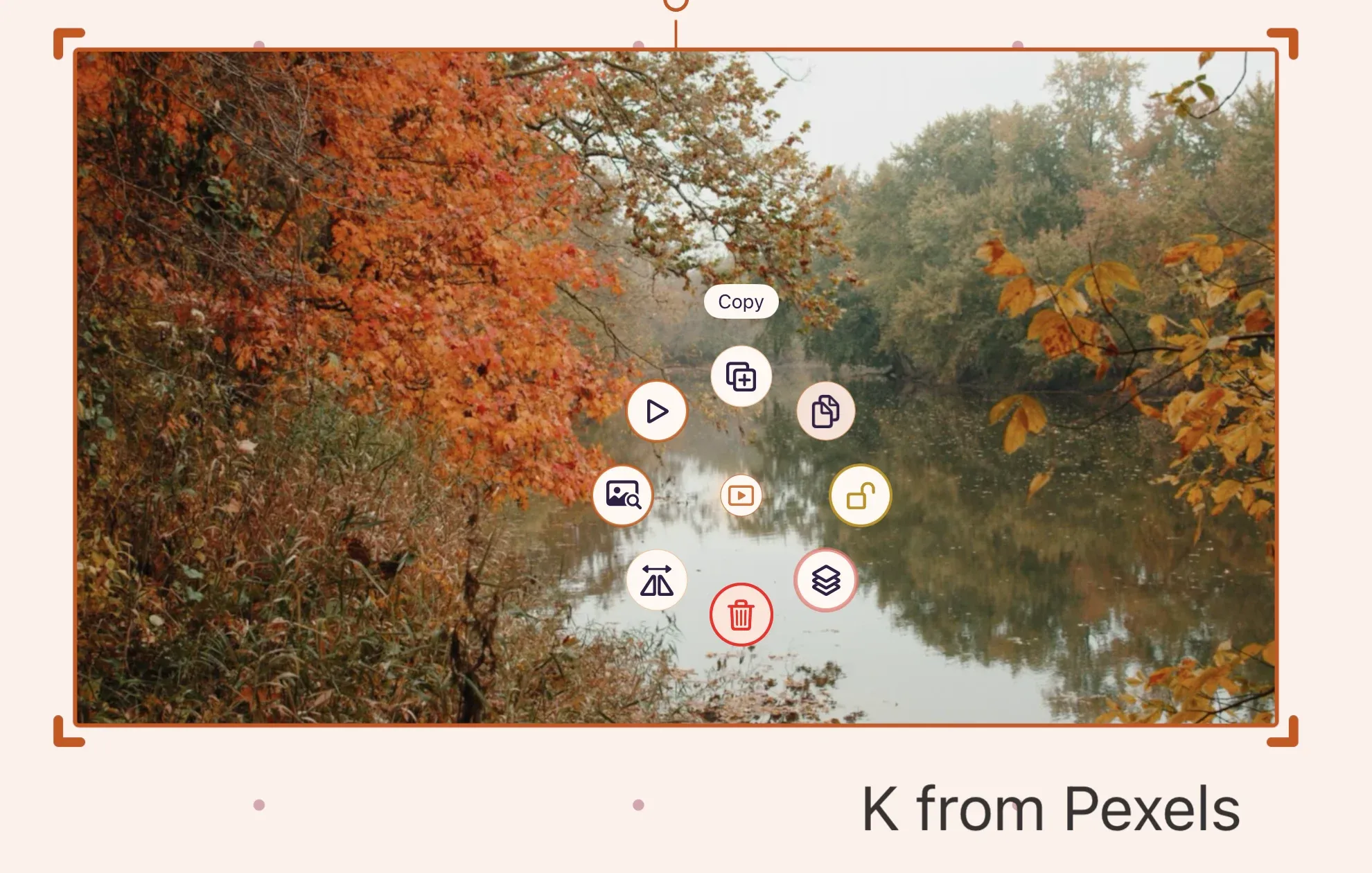
Get a video file back out of a reference board
Copy one video, GIF, image, link, or note from an ArtDeck board and get the content itself back, instead of a flat picture of the canvas. -
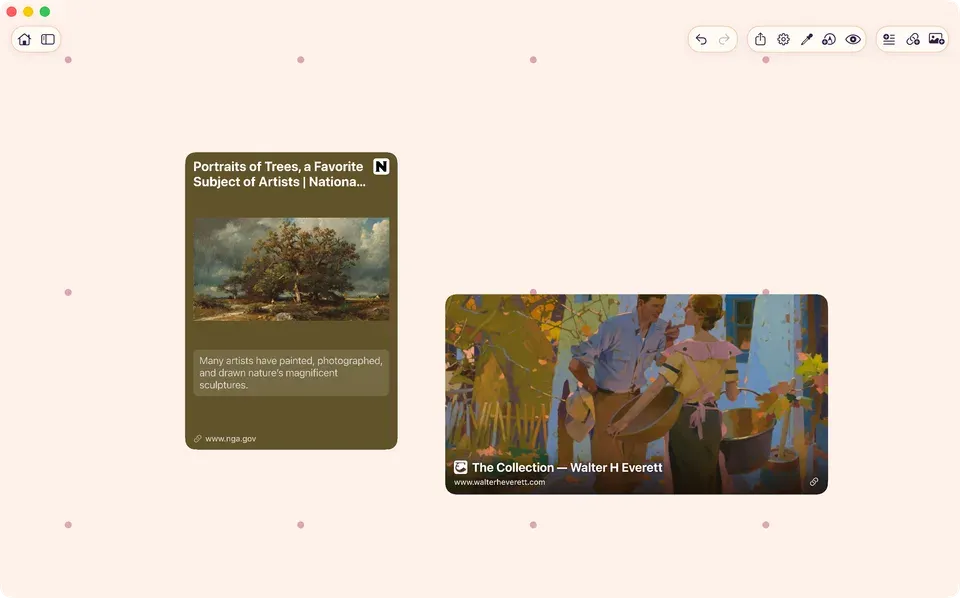
Turn Pinterest art references into a board you can work from
Pick the Pins that answer a question in the piece you're working on, and keep each image with its original source on a smaller board.