

A reference board you keep for years can end up holding the only copy of a file. The download folder got emptied, or the clip was on a phone you no longer have, and the version on the canvas is the one that still plays. When you need that file somewhere else, the board should give it back.
In ArtDeck, Copy returns the media file stored inside the board. That may not be byte for byte the file you first imported: ArtDeck can transcode a video it can’t play natively, or build an optimized import when you ask for one.
Copy works on one item at a time
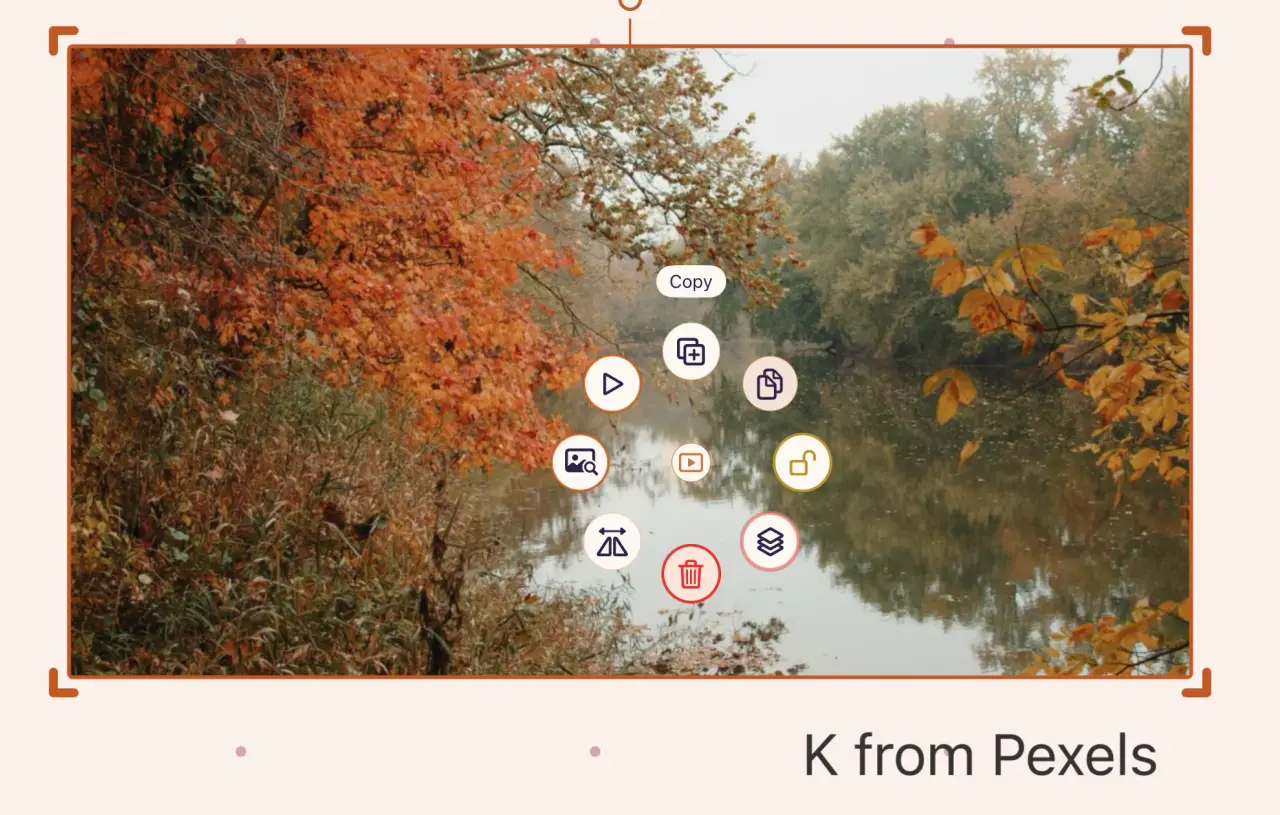
On iPhone or iPad, tap the item until only that item has the selection outline, then long-press it to open the radial menu and choose Copy. With a keyboard attached, press Command-C.
On Mac, select the item and use Edit > Copy or Command-C.
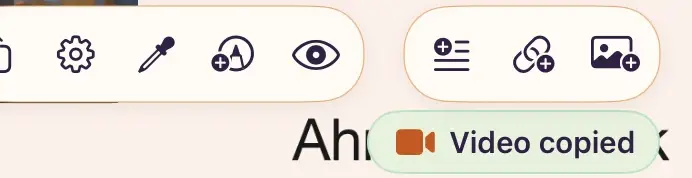
Wait for the confirmation toast before you leave the board. A large video takes a moment, because ArtDeck reads the whole media file before it puts anything on the clipboard. Starting a second copy cancels the first.
I use Copy as a handoff more often than as a rescue: a clip goes from the board into a project folder, and from there into the animation or editing app I’m working in.
What Copy returns
It depends on the one item you selected:
| Selected item | Clipboard result |
|---|---|
| Video | The stored video file as movie data, in its MP4, M4V, or MOV container where applicable. |
| GIF or other supported animated image | The stored animated file, with its animation intact. |
| Uncropped, unflipped image | The stored image data in its source format. |
| Cropped or flipped image | A new image containing the visible crop or flip. |
| Text | Styled ArtDeck text plus HTML and plain text for other apps. |
| Link card | The destination URL as text. |
| Color swatch | Its hexadecimal color value. |
Copy gives you an item’s own content whenever ArtDeck can point to one source file. Crops, flips, and larger selections get rendered instead.
Apple’s current guide says Freeform board items you paste into Mail or Files arrive as PNGs, and a whole board exports as a PDF or as a link to an editable copy. Those keep the look of the board, or let someone edit it, but neither gets you a playable reference clip back.
On a Mac, you can still get Freeform’s embedded originals back. They’re ordinary files in the app’s group container, and a short script can read them out. It takes more steps than Copy in ArtDeck.
Paste it somewhere you control
On iPad, open Files, go into an On My iPad folder or an attached drive, press and hold an empty area, and choose Paste. You can also paste straight into an app that accepts movie or image data.
On Mac, paste into Finder or into the app you need it in.
The app you paste into decides which clipboard types it accepts. If Paste is greyed out, the copy usually worked and that app just doesn’t take the type. Paste into Files or Finder first, then import the saved file from there.
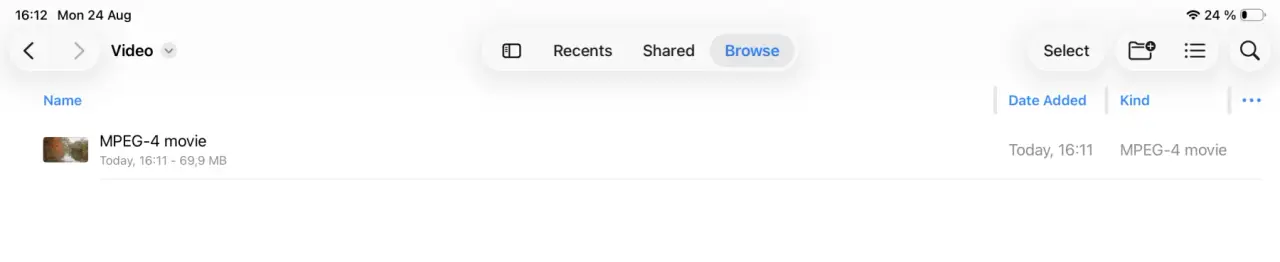
Open the pasted file before you delete anything from the board. Check that it plays and that the duration looks right, especially if the board has the only copy left.
Rename it while you’re there. A pasted file arrives with a generic name, and three recovered clips in one folder look the same an hour later.
A crop is an edit, and Copy respects it
An image you haven’t cropped or flipped copies in its stored format. After a crop or a flip, Copy returns what you see on the board. The untouched image is still there, and Reset to Full Image brings it back.
To get the full image, duplicate the item, choose Reset to Full Image on the duplicate, and copy that one. Delete the duplicate once you’ve opened the pasted file and checked it.
When you select several items, ArtDeck renders the arrangement as a transparent 2K PNG, so other apps can paste it with the positions intact. A selection of only link cards is the exception: it copies the destination URLs, one per line.
Recover media one item at a time, and use multi-select only when you want to share a picture of the arrangement.
One file at a time is not a backup plan
Copying one file at a time is fine for a handoff and a terrible backup plan for a board holding fifty files you can’t replace.
Open Export and save the Full board backup as an .artdeck file. ArtDeck can restore the whole board from it, items and arrangement included. Keep one copy somewhere other than the device the board is on.
The format that file uses is a package any archive tool can open, so you can still get to the media inside without ArtDeck.
An ArtDeck reference board also holds links, notes, PDFs, and GIFs, and the backup keeps them with the rest. If the clip you just recovered is motion reference, the frame-by-frame workflow shows how to slow it down, step through it, and save a useful frame without touching the source.
Common questions
Does Copy export the current video frame or the whole video?
The whole stored video file. For a still of the frame on screen, use Export Current Frame.
Can I recover the original image after cropping it on the board?
Yes. ArtDeck still has the full image behind the crop, but Copy gives you the cropped version. Duplicate the item, reset the duplicate to the full image, and copy that. Delete the duplicate once you’ve checked the pasted file.
Can I copy several original videos at once?
No. Select several videos and you get a rendered PNG of the arrangement. Copy each video on its own, or keep a full .artdeck backup and restore from that.
The board is on a device I no longer have. Can I still get the files?
Only from a copy. A board that lived on one device with sync off is gone with the device. That’s the reason to export an .artdeck file to a second place while the board is still in front of you.