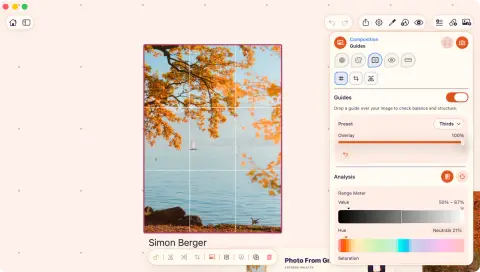
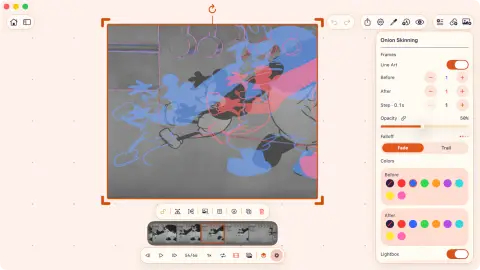
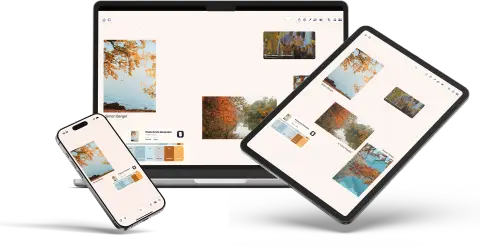
Photos, Files, and more
Use Photos, Files, folders, camera, document scanner, paste, drag and drop, or the Share menu from another app.
Visual reference board app
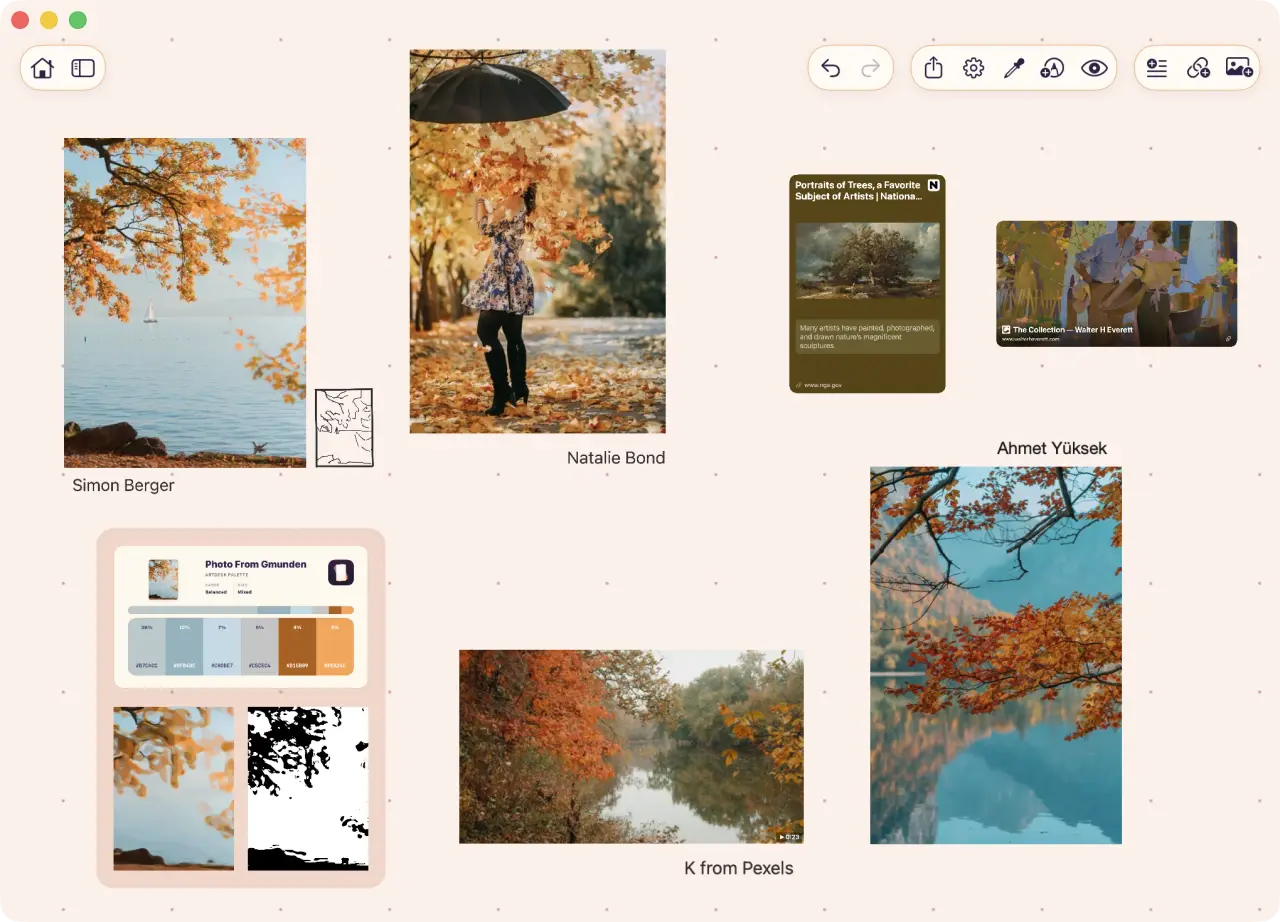
Photos, video, GIFs, links, notes, PDFs, drawings, and saved studies can share the same infinite canvas.
 opens in a new tab
 Free for 7 days, then one purchase. No card. No subscription.
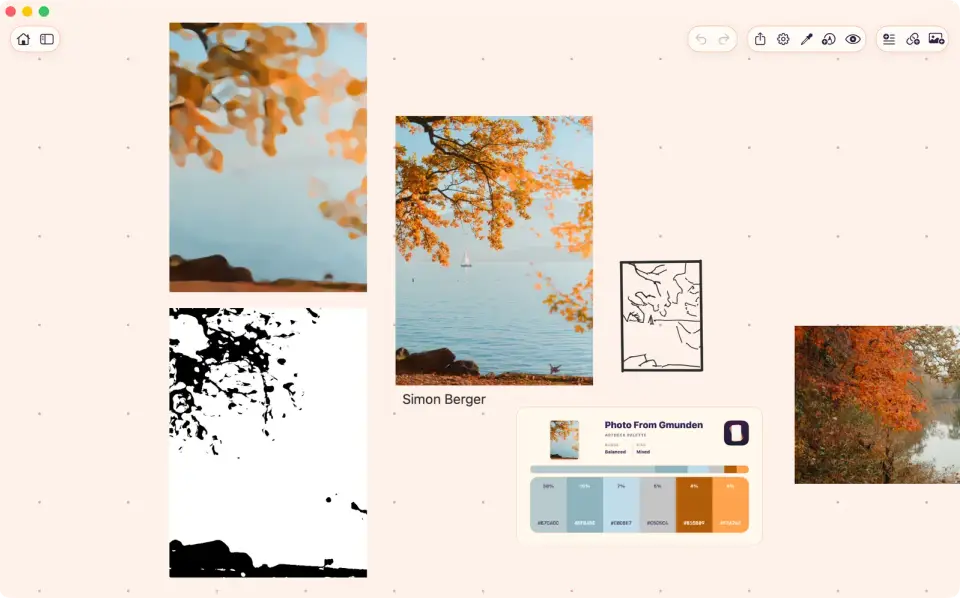
Build it as a moodboard, then study what is on it: the same board carries the images and the readings you take from them.
Add a source while you are working, then place it next to the images, notes, and studies it belongs with.
Board details
Hybrid canvas
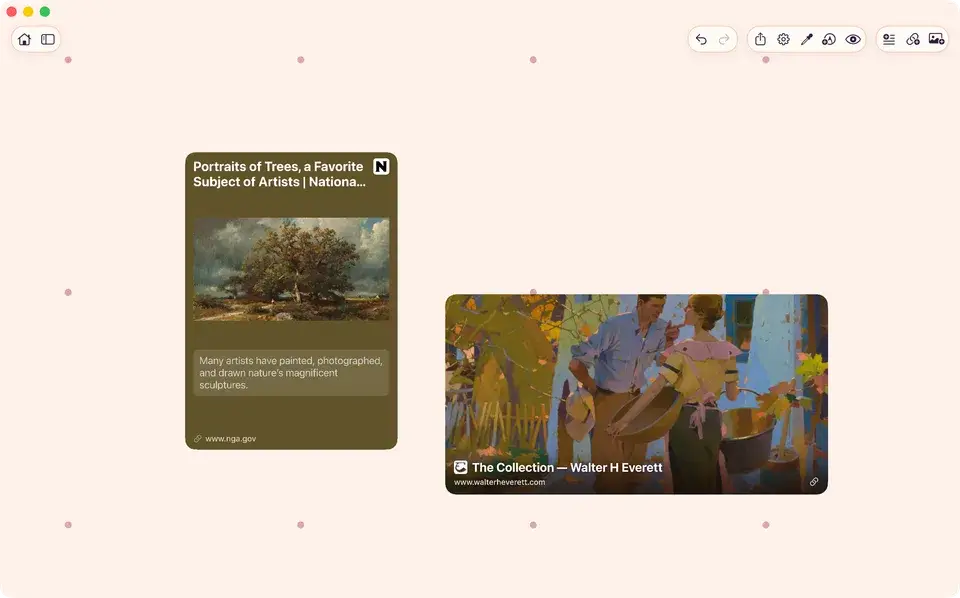
Links remain editable cards, while groups keep related sources and saved studies together.
Follow a reference board through an iPad sessionUse Photos, Files, folders, camera, document scanner, paste, drag and drop, or the Share menu from another app.
Save a URL as a rich card with its domain visible, then change the title, description, preview image, or card color to suit the board.
Drag, scale, rotate, snap, align, distribute, tidy, and reorder items across an infinite canvas.
Annotate a source or draw on the board, then group related items or nest one group inside another.